EasyManua.ls Logo

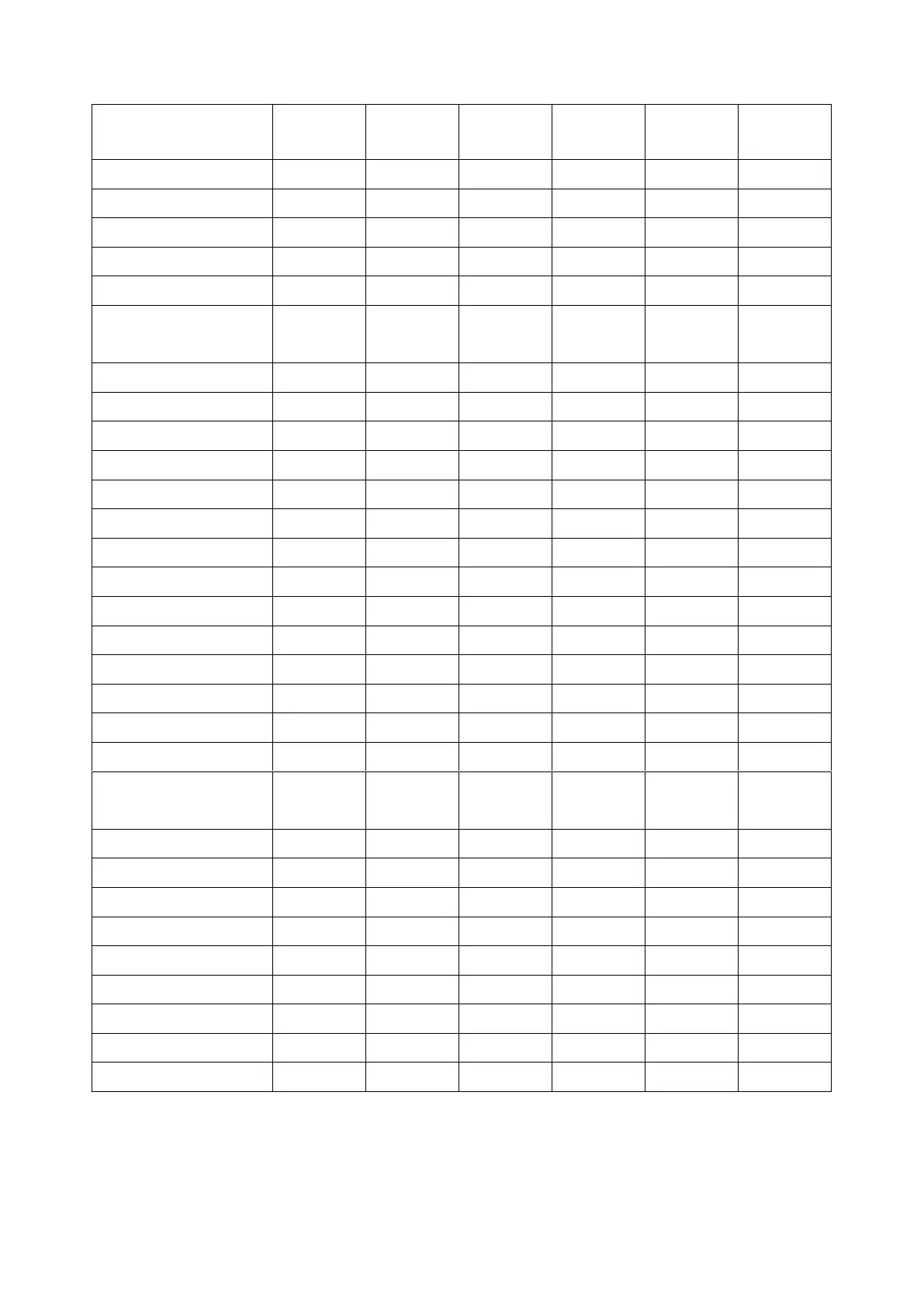
Mindeo MD6100S - Default Setting for each Barcode

Mindeo MD6100S
93 pages
Print Icon
To Next Page IconTo Next Page
To Previous Page IconTo Previous Page
Loading...
2
1-2 Default setting for each barcode
Read
enable
Check digit
verification
Check digit
transmissio
n
Min. code
length
Proprietary
code ID
AIM
code ID
(12)
2
A
]Em
(8)
2
D
]Em
-
(8)
2
D
]Em
(13)
2
A
]Em
(8)
2
C
]Em
(13)
2
B
]Em
-
-
1
M
]Am
-
-
6
I
]Im
-
-
-
4
H
]Im
-
-
6
X
]Im
-
-
4
N
]Fm
-
1
K
]Cm
-
1
K
]Cm
-
1
K
]Cm
-
1
L
]Gm
-
-
4
V
-
-
-
-
4
O
]Mm
-
-
1
U
]Mm
-
-
(11)
2
T
]Im
-
-
(16)
2
R
]em
-
-
(16)
2
R
]em
-
-
(16)
2
R
]em
-
-
1
R
]em
-
-
-
p
]Lm
-
-
-
p
]Lm
-
-
-
d
]dm
-
-
-
q
]Qm
-
-
-
-
q
]Qm
-
-
-
-
a
]zm
-
-
-
-
h
]Xm
Note:
1
The settings for ISBN/ISSN and EAN-13 must be the same except the code ID.
2
Fixed-length barcodes.
3
The settings for GS1 DataBar Truncated and GS1 DataBar must be the same.

Table of Contents

Related product manuals