System Maintenance
6-3
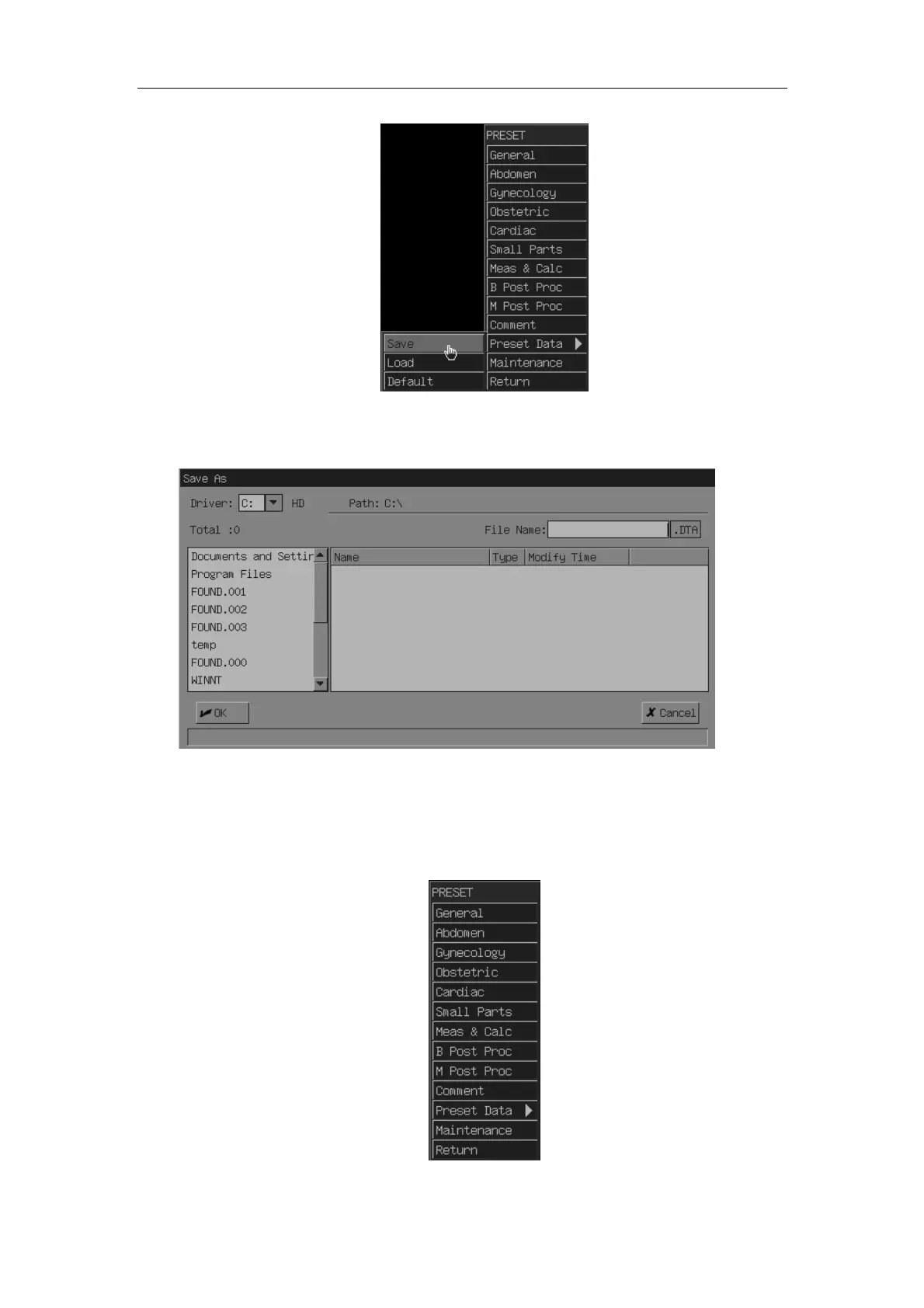
c) Press [Set] key. Then select the driver and the path for the saving and input file
name.
d) Move the cursor to [OK] and press [Set] key.
2. After the software maintenance, recover the preset data according to the following
procedure.
a) Press [Preset] key to enter the preset menu.
b) Move the cursor to the [Preset Data] and select [Load].



 To Next Page