5. How to change the Fuse
Caution
① Turn off the power supply to the terminal of this instrument.
② Detach the screw (M2.6 x 5) of 4 points at the right side of the front panel, and remove the cover.
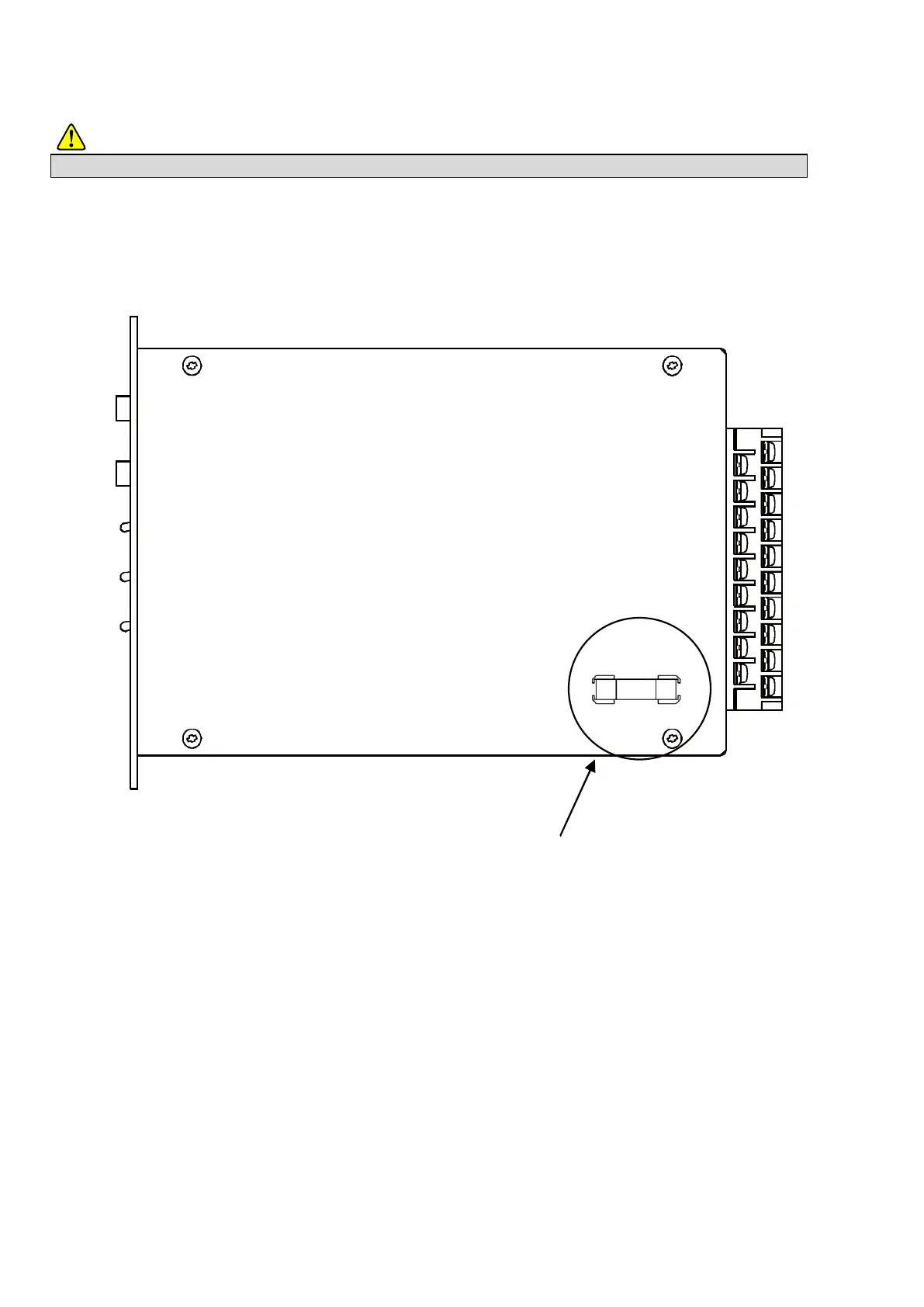
③ Replace the fuse (1 A) attached at the parts mounting side of PCB showing as follows.
④ Put the cover, and install the screw to 4 points.
● When the procedure of installing the fuse, and the capacity of installed fuse is improper, it will cause an unexpected failure.
Position of fuse
Parts mounting side of the PCB



 To Next Page