miniDSP Ltd, Hong Kong / www.minidsp.com / Features and specifications subject to change without prior notice 13
4 DRIVER INSTALLATION AND CONFIGURATION – MAC OS X
4.1 INSTALLATION
Mac OS X has native support for USB Audio class 2.0 devices, so no driver installation is required. The UMA-8 will
automatically be detected by Mac OS X as a compliant multichannel USB audio interface.
4.2 CONFIGURATION
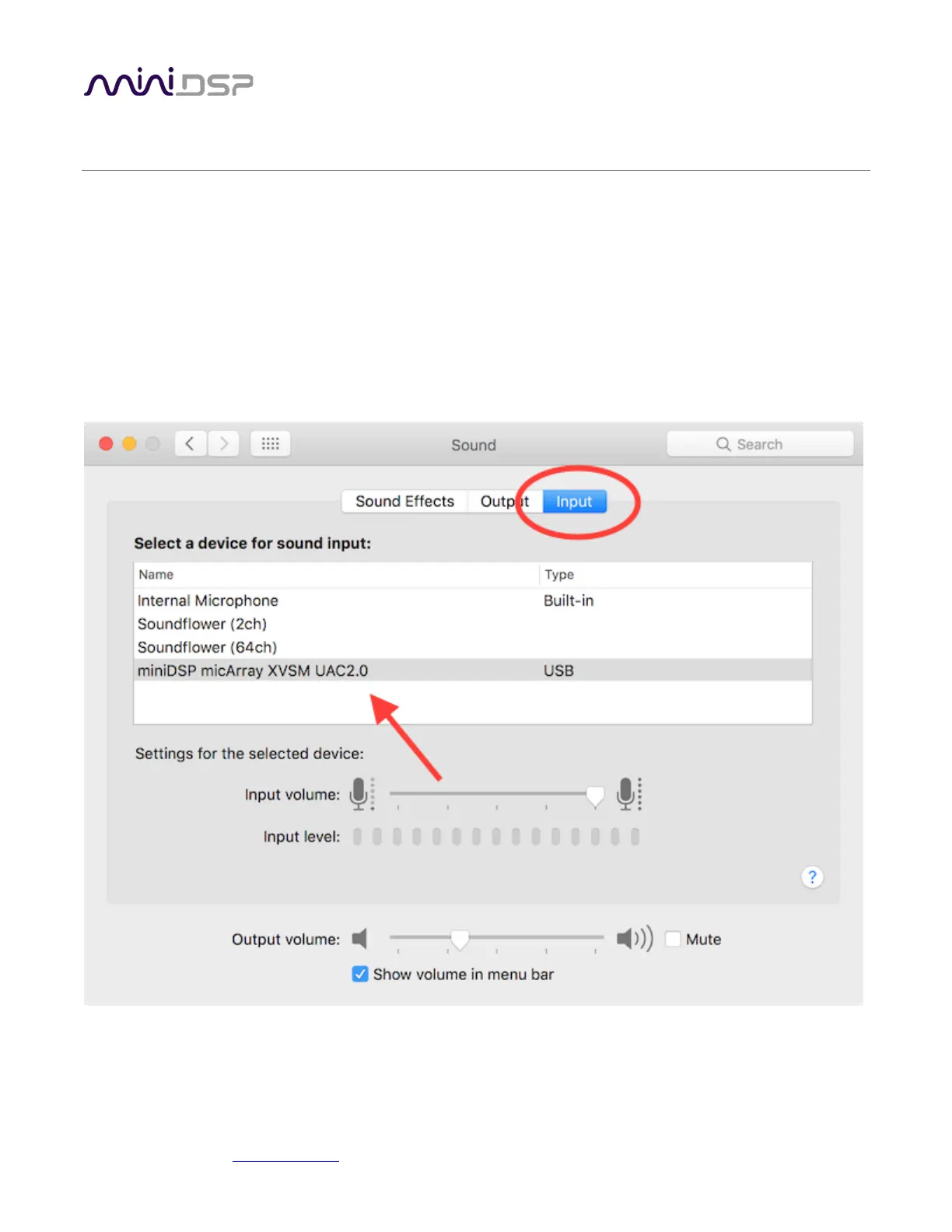
Open the program Audio MIDI Setup (in Applications->Utilities). The UMA-8 will appear automatically in the list
on the left hand side, as a miniDSP micArray XVSM UAC2.0


 To Next Page