EasyManua.ls Logo

MINIWARE DT71 - Zero Calibration

Default Icon
18 pages
Print Icon
To Next Page IconTo Next Page
To Previous Page IconTo Previous Page
Loading...
N
A
Calibration
»
Zero
Calibration
1.
Long
press
DT71's
touch
button
to
switch
to
calibration
mode
(Calibration);
2.
Keep
the
tweezer
tips
closed
and
short
circuit
until
the
screen
prompts
the
next
step;
ee,
3.
Open
the
tweezer
tips
and
keep
it
open
until
the
screen
prompts
the
next
step;
4.
After
the
open
calibration
is
successful,
the
screen
will
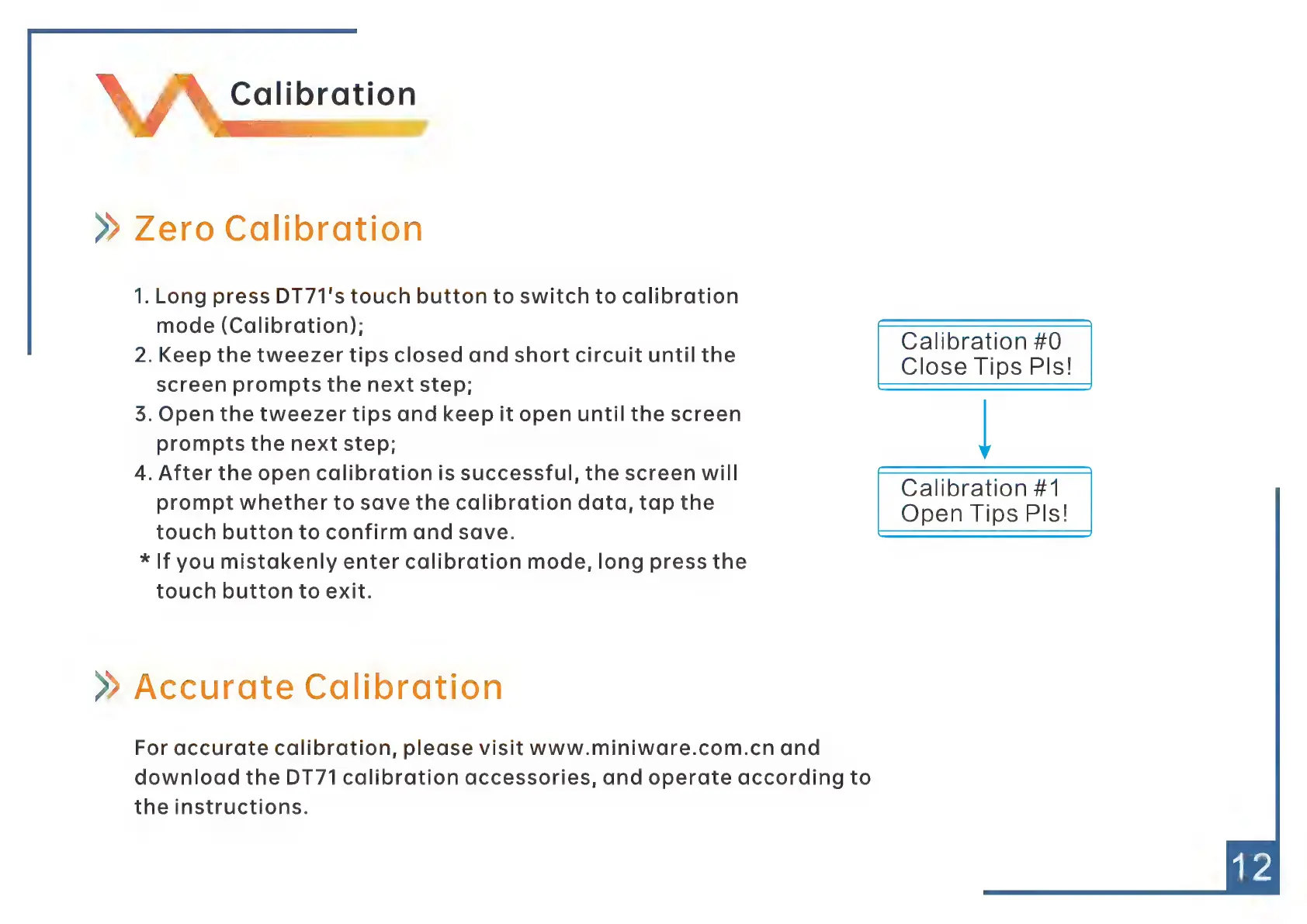
Calibration
#1
prompt
whether
to
save
the
calibration
data,
tap
the
touch
button
to
confirm
and
save.
een
*
If
you
mistakenly
enter
calibration
mode,
long
press
the
touch
button
to
exit.
»
Accurate
Calibration
For
accurate
calibration,
please
visit
www.miniware.com.cn
and
download
the
DT71
calibration
accessories,
and
operate
according
to
the
instructions.