EasyManua.ls Logo

MINIWARE DT71 - Firmware Upgrade

Default Icon
18 pages
Print Icon
To Next Page IconTo Next Page
To Previous Page IconTo Previous Page
Loading...
N
A
Firmware
Upgrade
1)
Visit
www.miniware.com.cn
to
download
the
latest
DT
71
firmware
to
your
PC.
2)
Insert
DT71
controller
into
the
Data
Cable's
5.5mm
female
socket
(no
need
to
connect
test
arms),
connect
the
Data
Cable
to
your
PC
via
USB
Type-C
cable;
a
8-character
string
removable
hard
disk
will
appear
on
your
PC,
entering
DFU
setting
mode.
3)
Copy
the
.hex
firmware
to
the
root
directory
of
that
disk.
After
the
extension
of
the
firmware
changes
from
“.hex”
to
“.rdy”,
restart
DT71,
thus
the
firmware
is
upgraded.
ps
pn
Pad
OOV
an:
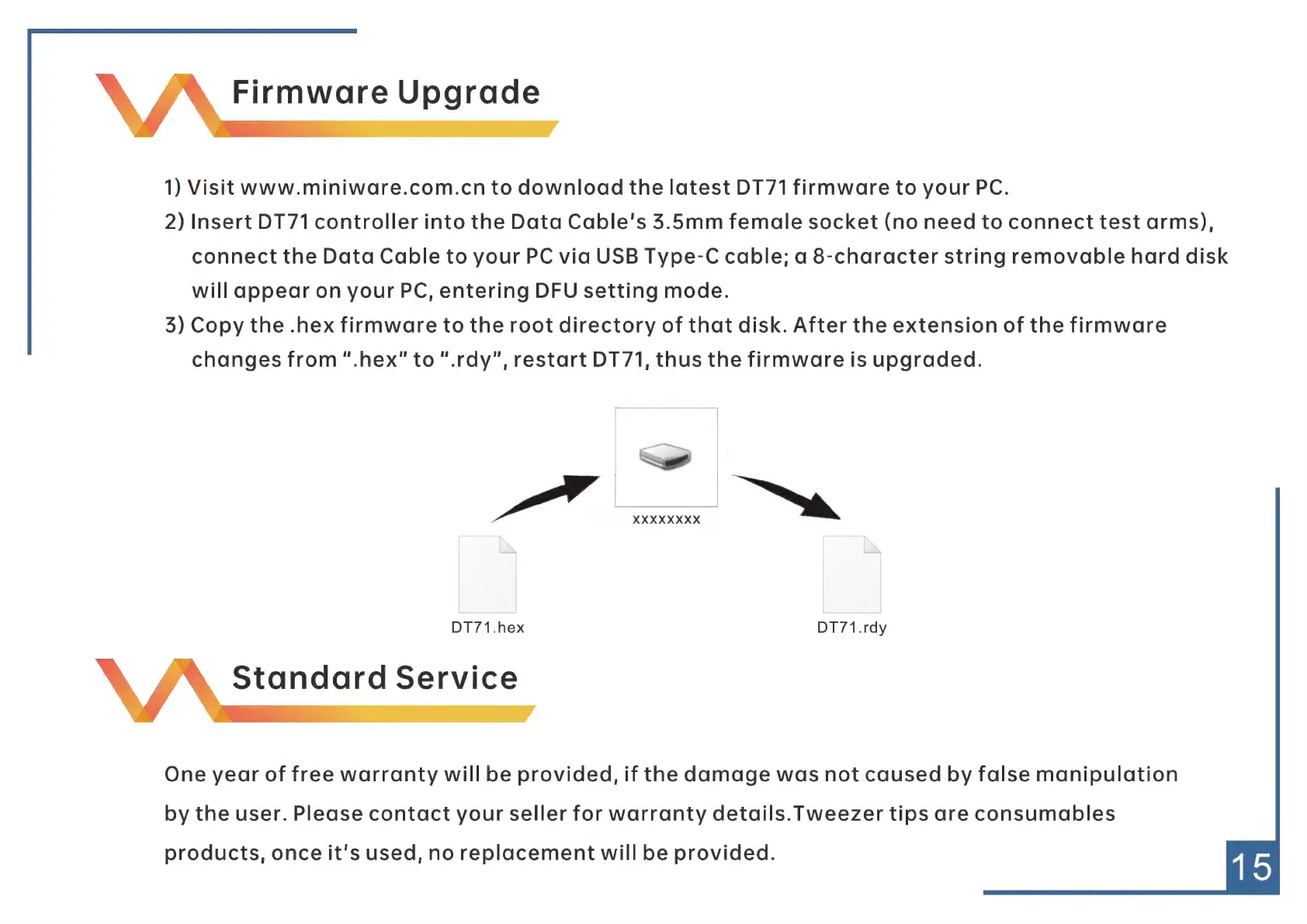
DT71.hex
DT71.rdy
À\
A
Standard
Service
One
year
of
free
warranty
will
be
provided,
if
the
damage
was
not
caused
by
false
manipulation
by
the
user.
Please
contact
your
seller
for
warranty
details.
Tweezer
tips
are
consumables
products,
once
it's
used,
no
replacement
will
be
provided.