3
1.2 Button and Functions Explanation
Shows the current view and menu, options
and different statuses of each mode.
Press for 3 seconds to power on or off. Tap
once to cycle between Video, Photo and
Playback modes.
Button used during menu navigation and
playback use.
OK button in menus. Record button in
shooting modes.
Button used during menu navigation and
playback use.
Button used for accessing and exiting all
menus and submenus.
Built-in microphone for audio capture during
video recording.
Power port and data transfer port for
transferring media to your computer.
LED to aid with additional lighting.
Mount port for attaching the windshield
suction cup mount.
Storage slot for inserting your MicroSD
memory card.
Built-in speaker output for playback of video
files when audio recording is enabled.
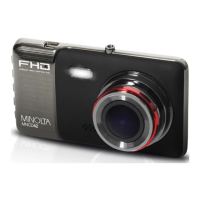
Front capture device for all video and photo.
Button for power cycling your camcorder if it
freezes or becomes unresponsive


 To Next Page