Select Subtitles
This operation works only with discs with multiple subtitle
languages recorded.
DVD
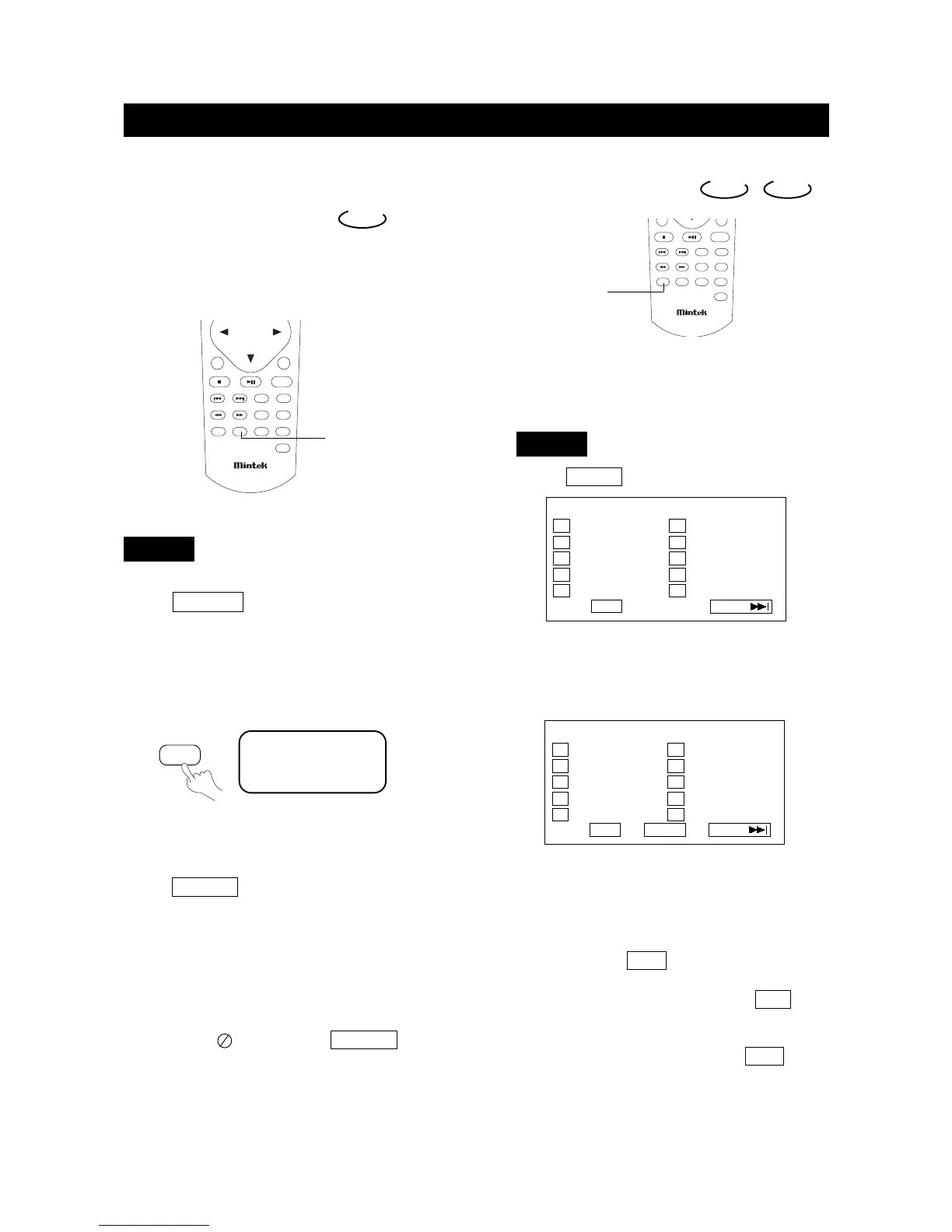
1. Press SUBTITLE repeatedly until the desired
language is selected.
The screen shows:
2. Remove the subtitle.
Press SUBTITLE until the screen shows "TURN
OFF SUBTITLE".
Notes:
●
For some discs, subtitles cannot be removed.
●
Different discs differ in the language of subtitles.
●
If the subtitles of discs cannot be selected, the
screen shows " " when you press SUBTITLE .
SUBTITLE01/03:ENGLISH
DVD
SUBTITLE
SUBTITLE
page40
PLAY DISCS IN VARIOUS WAYS
Program Play
To use the program playback feature, you must enter
the order in which you want the titles (and chapters) on
the DVD or the tracks on the CD to play by creating a
program.
1. Press P.MODE unt
il the screen shows:
2. Use the number buttons on the remote to enter the title
(and chapter) you want to play first. The title (and
chapter) number you entered appears in the box. For
example: Enter Chapter 1 in Title 8, the screen shows:
3. The cursor jumps to the next spot in the program list
section. Make sure the box is highlighted and enter
your next track.
4.Continue adding title (and chapter) until your program
is complete. You can play your program by highlighting
START and press PLAY .
Note: If you want to program more than 10 titles (and
chapters), highlight NEXT and press PLAY to
go to the next page. Proceed to program 11-20 in
the same way titles 1-10 were programmed.
5. To remove program playback, press the
STOP button
twice during the program play.
DVD CD
PROGRAM: TT(20)/CH (
--
)
01 TT:_ _ CH:_ _ 06 TT:_ _ CH:_ _
02 TT:_ _ CH:_ _ 07 TT:_ _ CH:_ _
03 TT:_ _ CH:_ _ 08 TT:_ _ CH:_ _
04 TT:_ _ CH:_ _ 09 TT:_ _ CH:_ _
05 TT:_ _ CH:_ _ 10 TT:_ _ CH:_ _
EXIT NEXT
PROGRAM: TT(20)/CH (
--
)
01 TT:0 8 CH:0 1 06 TT:_ _ CH:_ _
02 TT:_ _ CH:_ _ 07 TT:_ _ CH:_ _
03 TT:_ _ CH:_ _ 08 TT:_ _ CH:_ _
04 TT:_ _ CH:_ _ 09 TT:_ _ CH:_ _
05 TT:_ _ CH:_ _ 10 TT:_ _ CH:_ _
EXIT START NEXT
DVD
P.MODE


 To Next Page