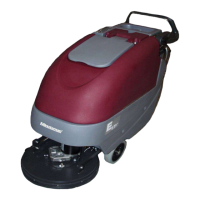
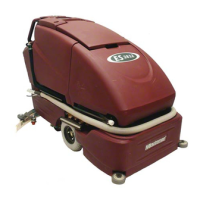
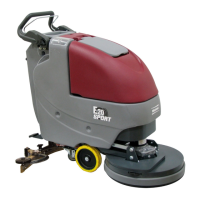
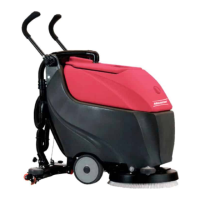
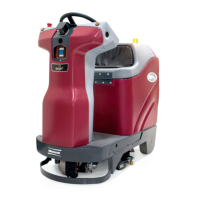
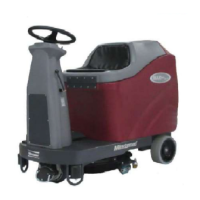
3.1 Service Mode
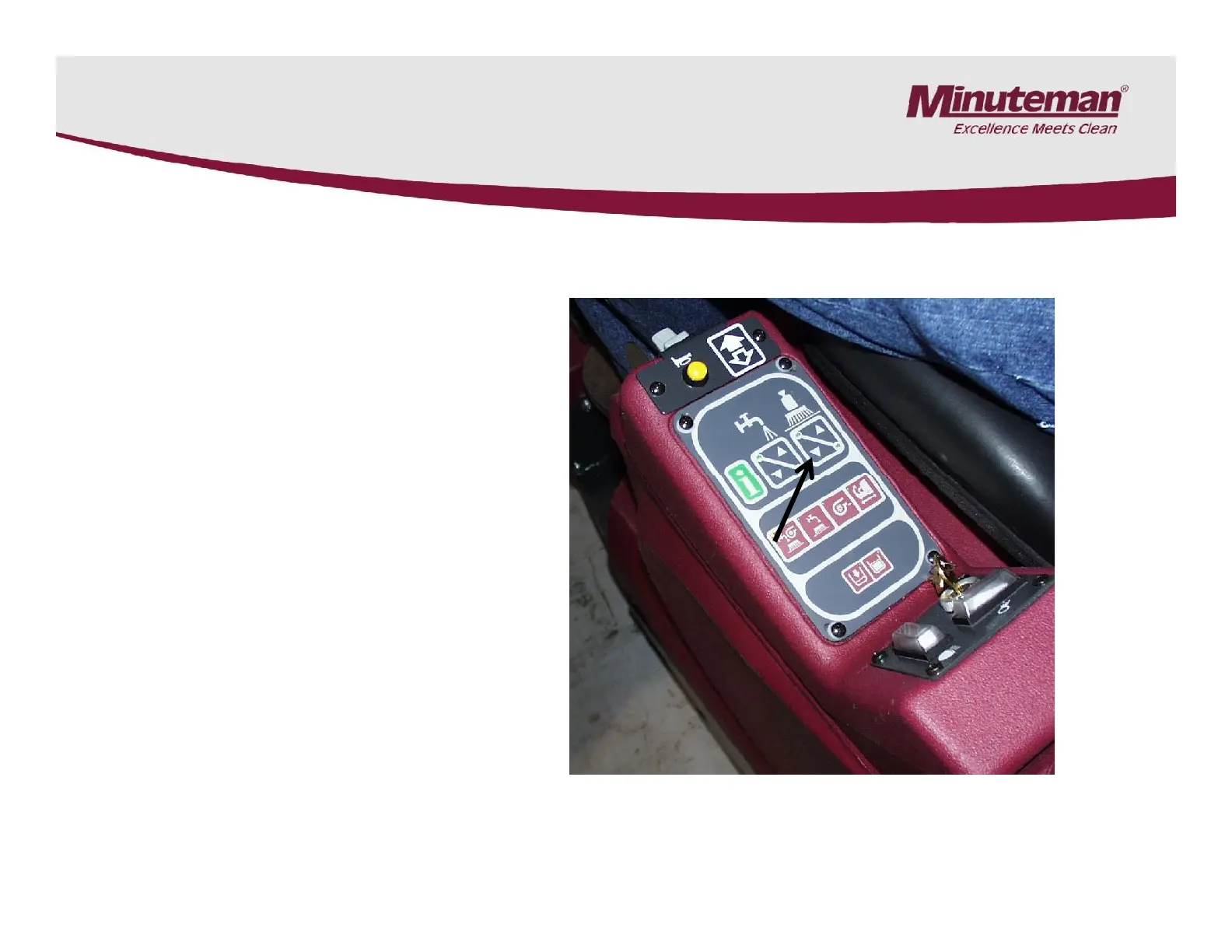
Push and hold the brush
pressure down button for
15-20 seconds.
Once it is in service mode,
You can raise and lower
the deck buy pressing the
brush pressure up and
down arrows.
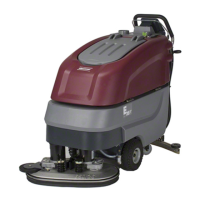
SC280000 Models Only
Push and hold the brush
pressure down button for
15-20 seconds.
Once it is in service mode,
You can raise and lower
the deck buy pressing the
brush pressure up and
down arrows.
Page 11
To return the machine back
to normal operation: Turn
the key switch off and back
on. The machine will reset.


 To Next Page