17
Units
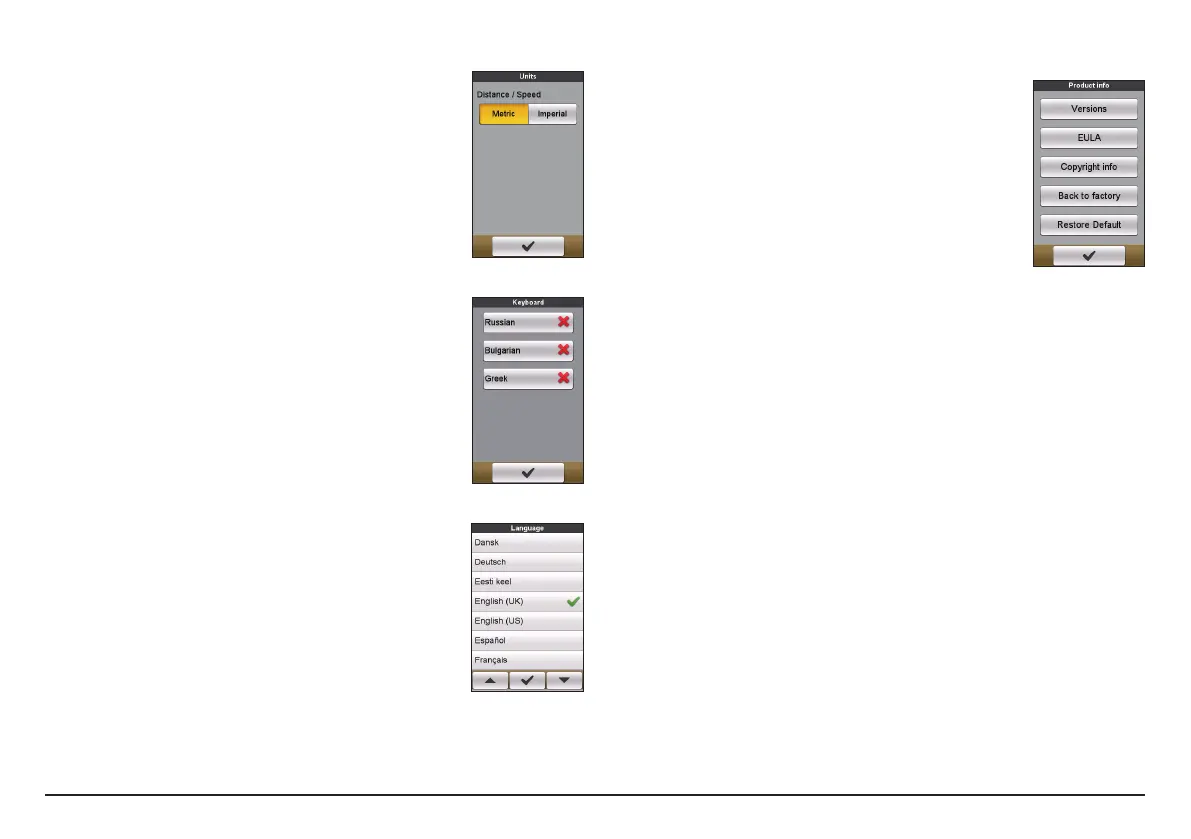
The Units screen lets you select Metric or Imperial
according with your preferences.
Keyboard
The device provides Russian, Bulgarian, and Greek keyboard
for local users.
From the Keyboard screen, tap on the keyboard you want
to use.
Language
You can select the preferred language displayed for the
menus and other interface features while operating the
device.
From the Language screen, tap on the language you want
to use.
Product Info
The Product Info screen provides the general information of
the device, including software and ROM versions, the End
User License Agreement, and copyright information.
• You can reset the device to the factory default settings
by tapping Back to factory. When you select the
function, all of the recorded data on the device will be
cleared.
• You can also just restore factory default settings by
tapping Restore Default, allowing you to restore
default settings but will not delete the recorded data.


 To Next Page