1.2 Performing the Initial Start Up
1. Make sure that power is supplied to your device. (See the next section.)
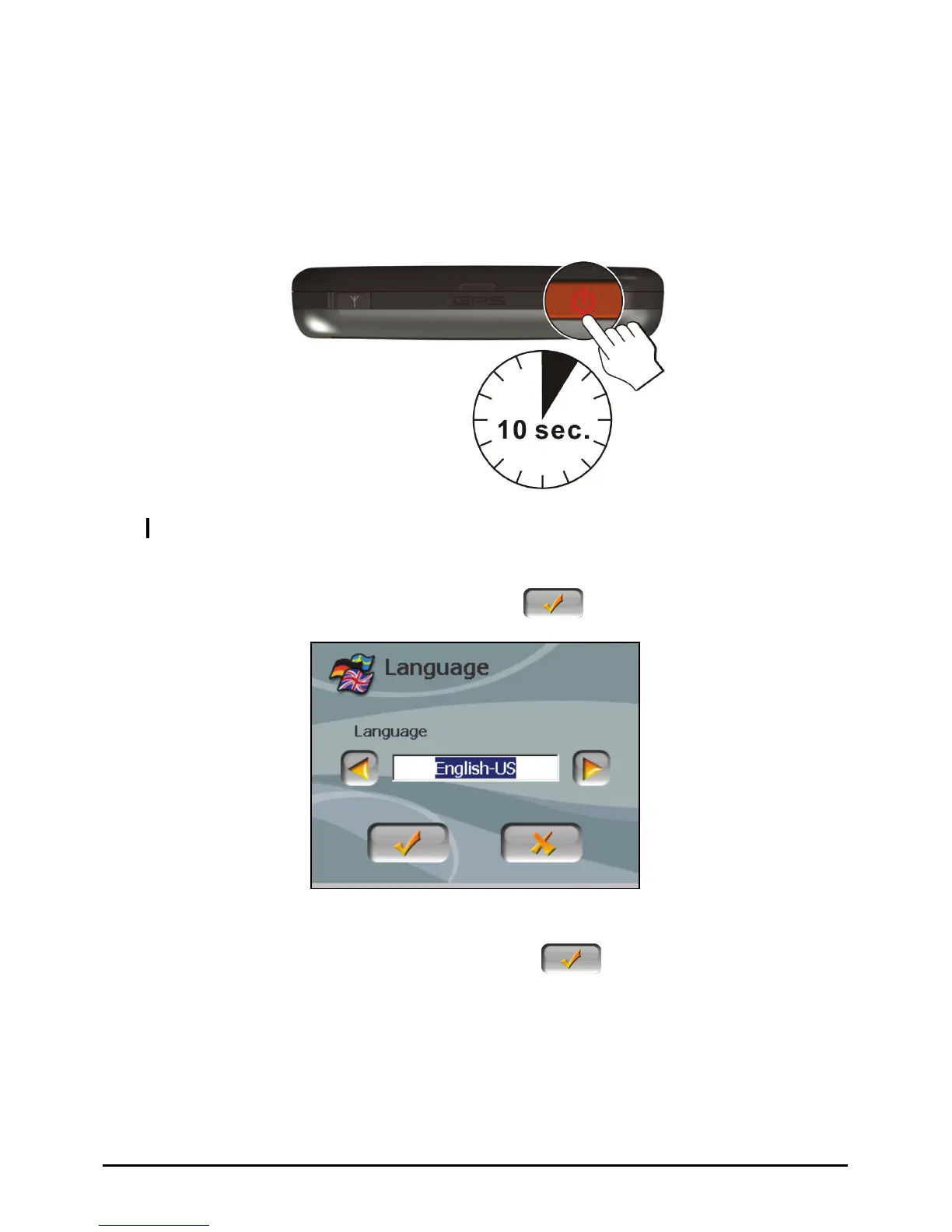
2. For the initial start up, press the power button for 10 seconds to turn on your
device.
NOTE: For normal operation, briefly press the power button to turn on and off your device.
3. The “Change Language” screen appears. Tap the left/right arrow button to
select the desired language. Then, tap the
button.
4. The “Date&Time” screen appears. Tap the appropriate arrow button to select
the time zone, date, and time. Then, tap the
button.
4



 To Next Page