1 Getting Started
1.1 Understanding Hardware Components
NOTE: Depending upon the specific model purchased, the color of your device may not
exactly match the device shown in this manual.
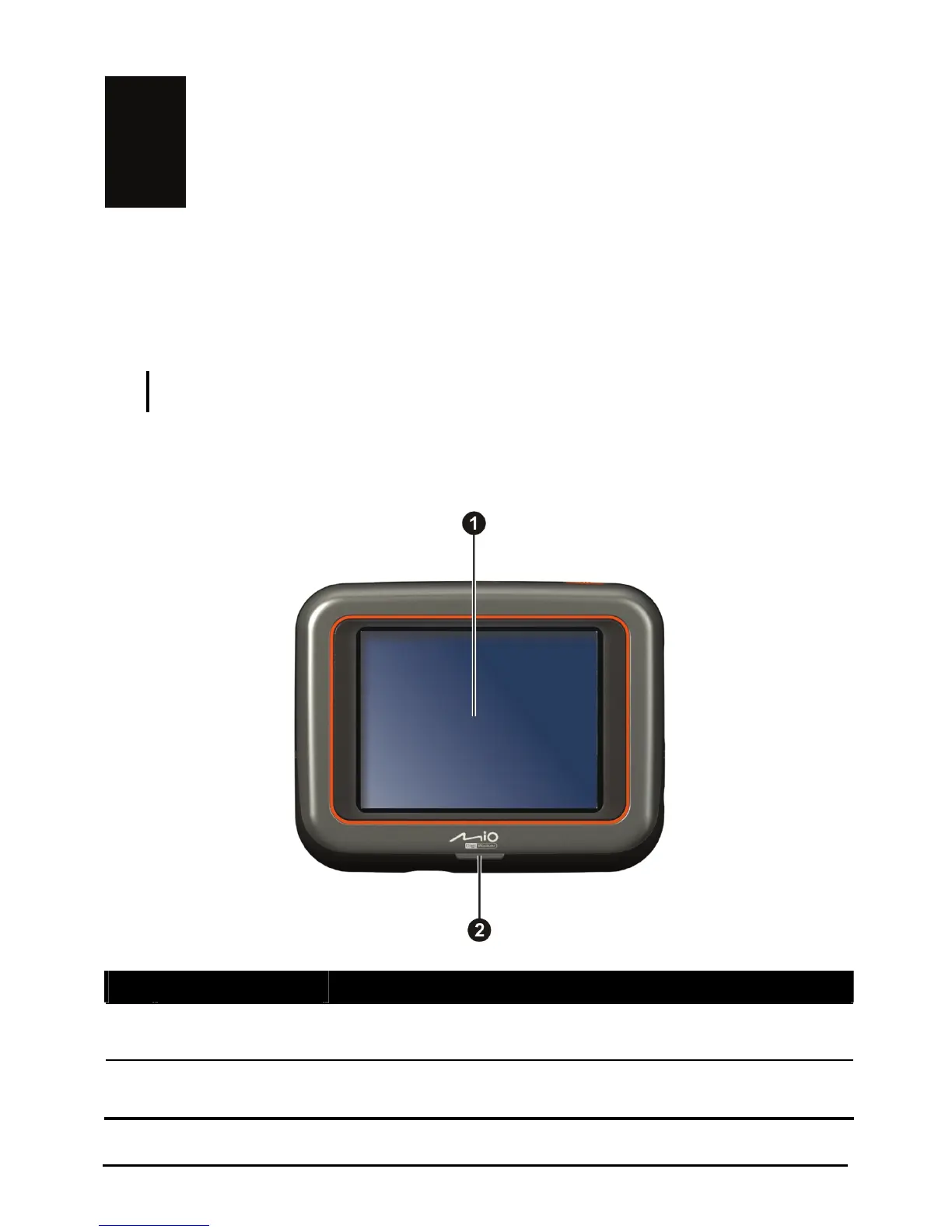
Front Components
Ref Component Description
Displays the output of your device. Tap the screen with
n
Touch Screen
your
stylus to select menu commands or enter information.
o
Charge Indicator
charging,
and turns green when the battery is fully charged.
Flashes bright amber to indicate that the battery is
1



 To Next Page