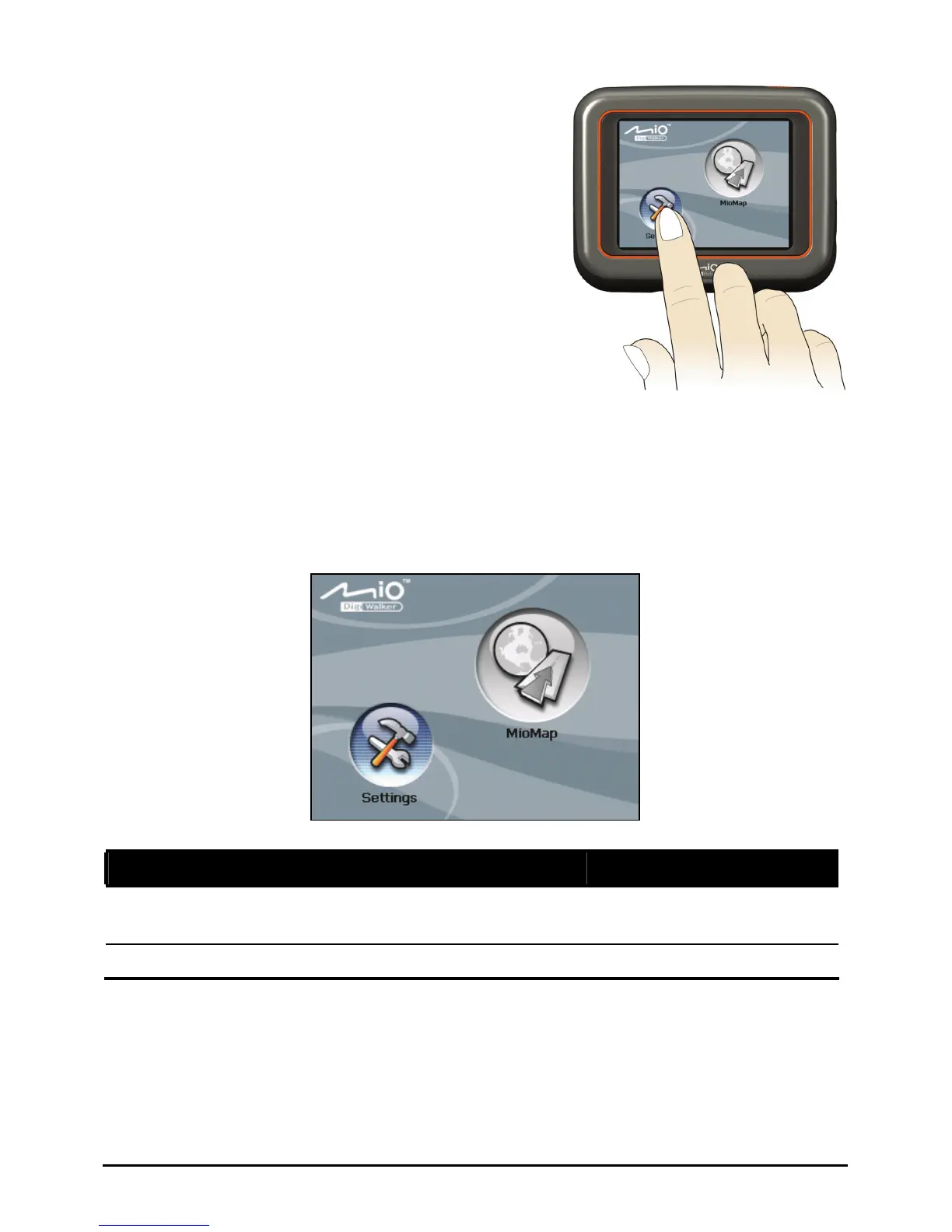
z Tap
Touch the screen once with your fingertip
to open items or select onscreen buttons or
options.
z Drag
Hold your fingertip on the screen and drag
up/down/left/right or across the screen.
z Tap and hold
Tap and hold your fingertip until an action
is complete, or a result or menu is shown.
Home Screen
The first time you initialize your device, the Home screen appears. The Home
screen is your starting place for various tasks. Tap a button to start a task or open
another menu.
Button Name Description For Detailed Information
Mio Map
Starts the navigation software.
See the manual supplied
with the software.
Settings
Customizes the system settings. Chapter 2
8



 To Next Page