2 Settings
2.1 Starting and Exiting Settings
You can customize the system settings such as backlight brightness, volume, an
language. Once you change the settings, the new settings will remain until you
change them again.
d
Settings
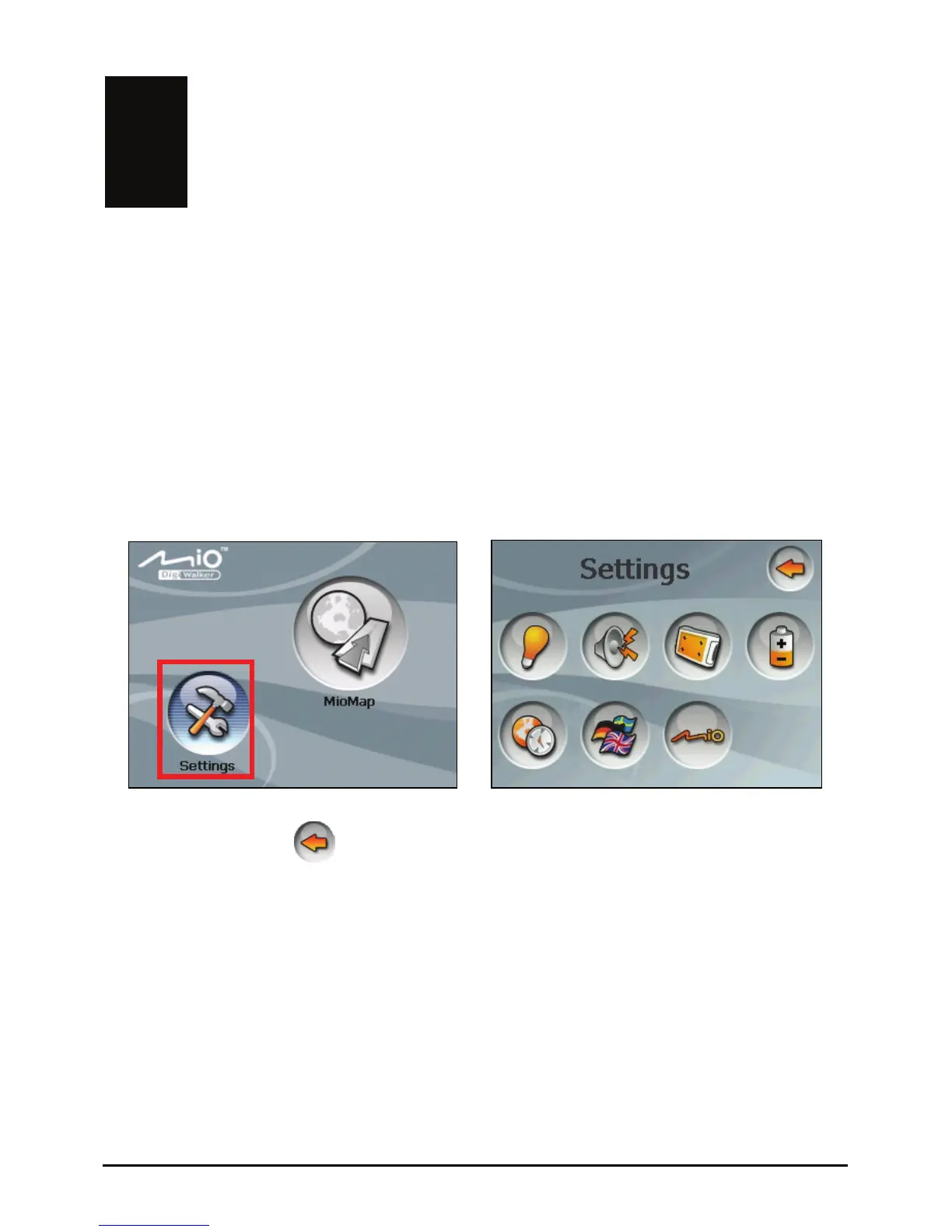
Tap the button on the Home screen. The Settings menu appears as shown
below.
Æ
To exit Settings, tap
.
The following sections describe the various buttons and their functions.
11



 To Next Page