12
Deleting les
CAUTION:
Deleted les cannot be recovered. Make sure to back up your les before deletion.
You cannot delete the protected les.
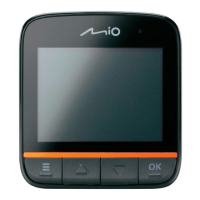
1. When not recording, press the Power key briey and repeatedly to switch to
playback mode.
2. Press
to open the Playback menu.
3. Select Delete and press
.
4. To delete the current le, select One and press
.
To delete all les, select All and press
.
To delete a certain le, select Select and press
. Select the desired
le and press .
Customising the settings
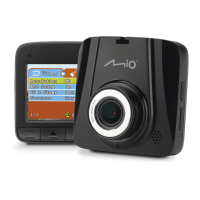
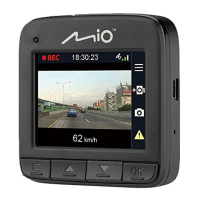
When not recording, press to open the Video/Capture/Playback menu, or
press twice to open the Setup menu.
Menu Item Description
Video Resolution Sets the image resolution.
REC Sound Sets if you want to include sounds in the
recordings.
Time Stamp Sets how you want to show the date and time in
the recordings.











 To Next Page