- Image
(*2)
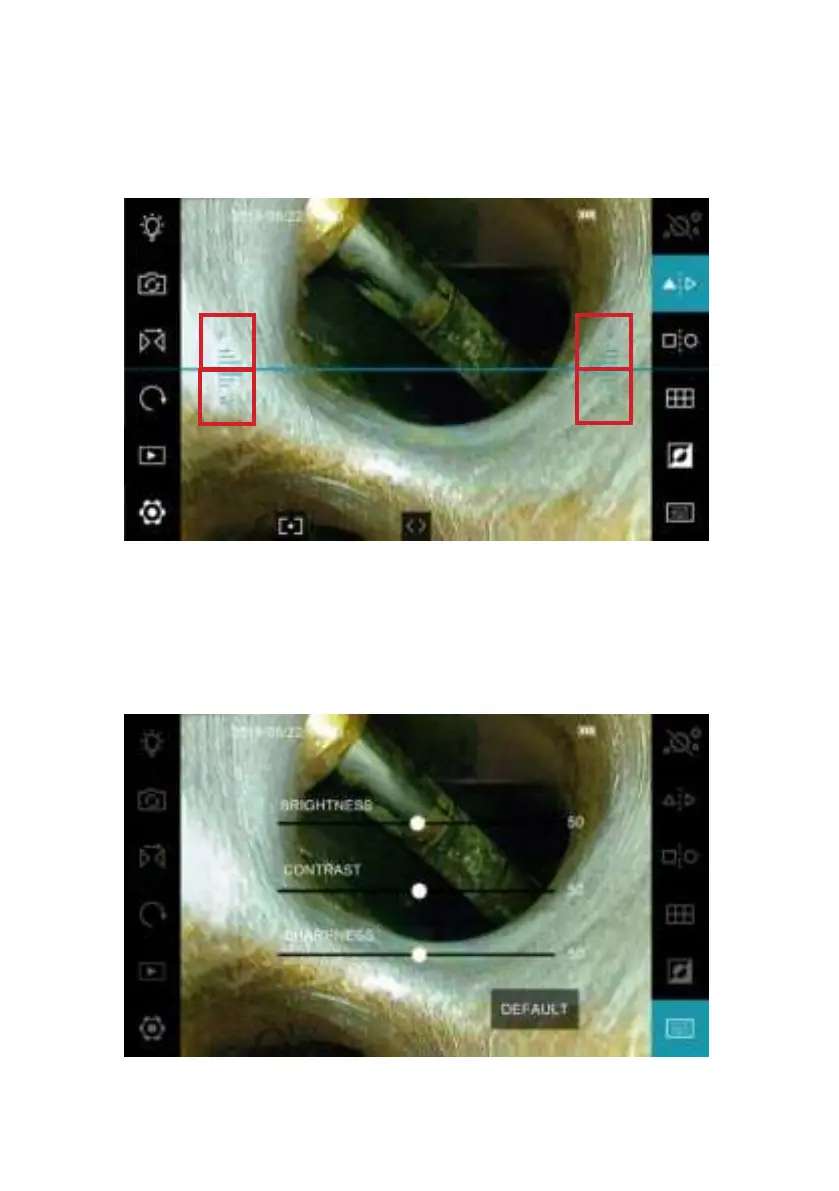
The Line will aid as a border between the two sides of the mirror and ease
navigation and orientation.
First press: show on the line. Second press: switch the LED to side direction.
Third press: remove the line and switch the LED to front direction.
Once the dual view is activated, a line will appear that separates the screen.
With the dual view mirror attached, the front view will be indicated by the F
letter and the side view by the S letters respectively.
- 24 -


 To Next Page