- 9 -
•1.3BrightnessControlButton
Press the <up>/<down> (button 1/button 2) to adjust the brightness. There
are 13 levels of brightness control
:
1-5->Tip LED light. 6-10->Exposure Value.
11-13->Exposure Time.
The X750 system provides live-view focus exposure gain control to get rid of
glaresandreections(suchasonmetalsurfaces…,etc).
Tap the glare spot on the screen; the system will auto-tune to optimize the
image brightness. Tapping a dark area will increase image brightness (higher
exposure gain value).
Ps.
the gain control dynamic range is conditionally constrained.
•1.4CustomHotkeyFunctionButton
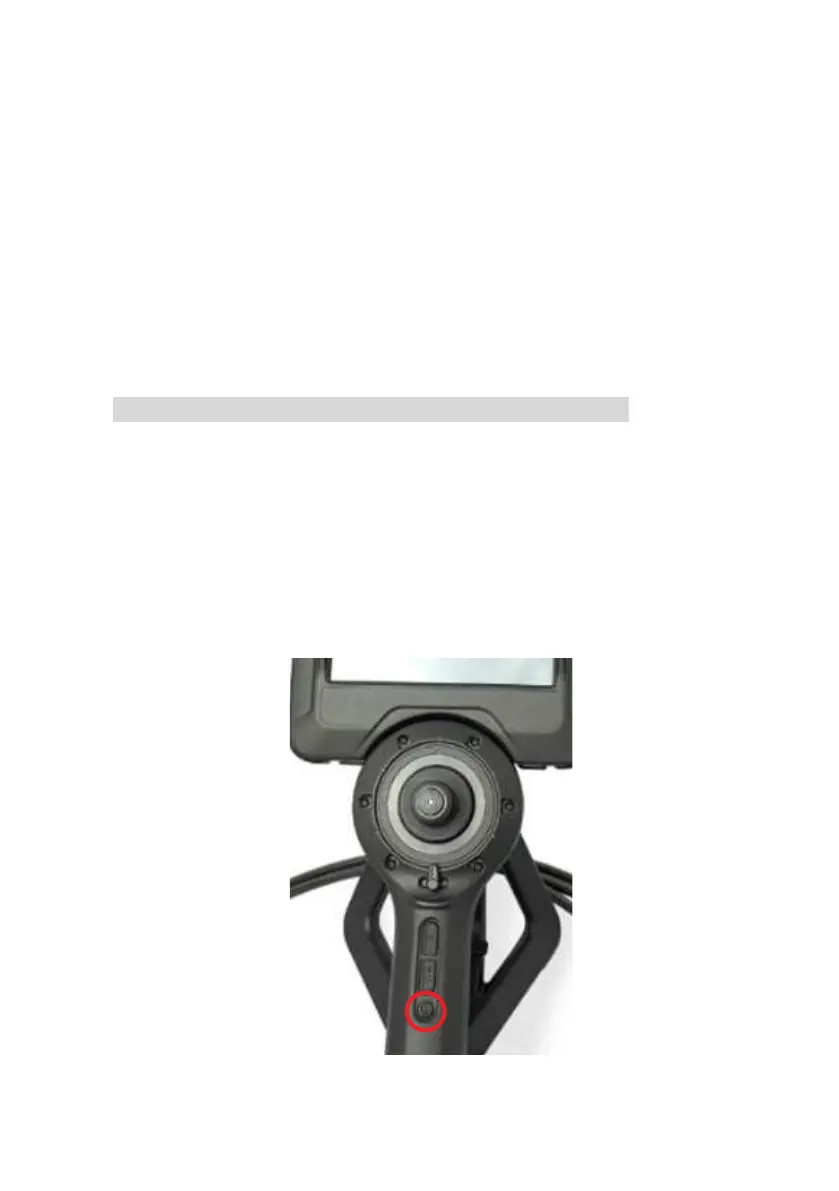
Round button 3 on the handgrip allows setting up hotkey functions from the
setting menu. Default:
•
Short pressing the button: Switch the back light LED ON/OFF.
•
Long pressing the button: Freeze the Image.



 To Next Page