•
3.9 WHITE BALANCE
- Default: Factory default setting.
- Calibration: Subject varies according to inspection environment, it’s suggested
to calibrate the white balance before each use to get the best image hues.
Steps as follow:
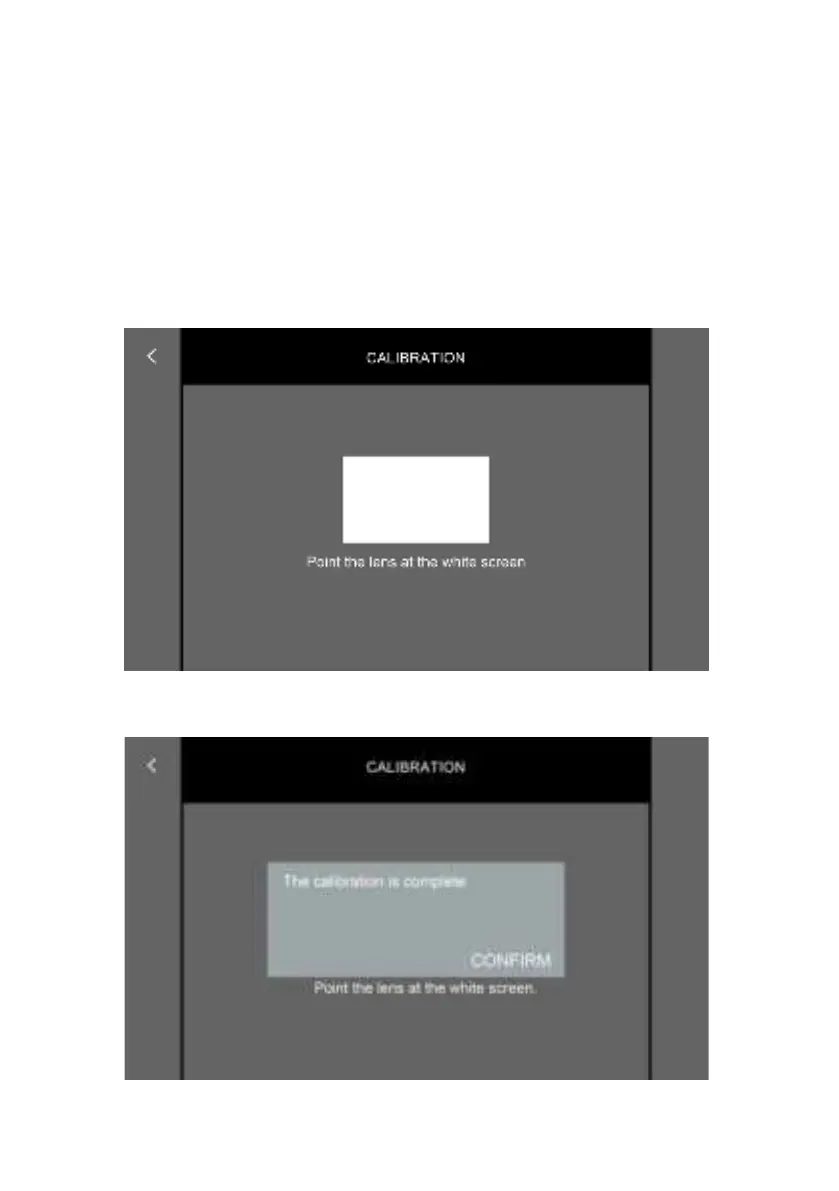
1.) Tap “CALIBRATION” button.
2.) Point and move the camera toward a plaint white paper until the rectangle
area of the screen display a nature white status.
- 41 -
3.) Tapthe“<”buttonup-leftthescreenthennishthecalibration.



 To Next Page