3.2.4 Live share and access the image of the system:
- MITCOPRP provides the “VideoscopeNow” APP for X750 wireless usage.
- Detailed instructions can be found in the <VideoscopeNow user guide>
‘VideoscopeNOW’isatoolspecicallydesignedforindustrialvideoscopesthat
can share the live view of Mitcorp videoscopes through a Wi-Fi connection. It can
also act as a remote controller for taking photos or recording clips. Through the APP,
users can link to the system to access the album and download the photos/clips.
•
3.3 USB
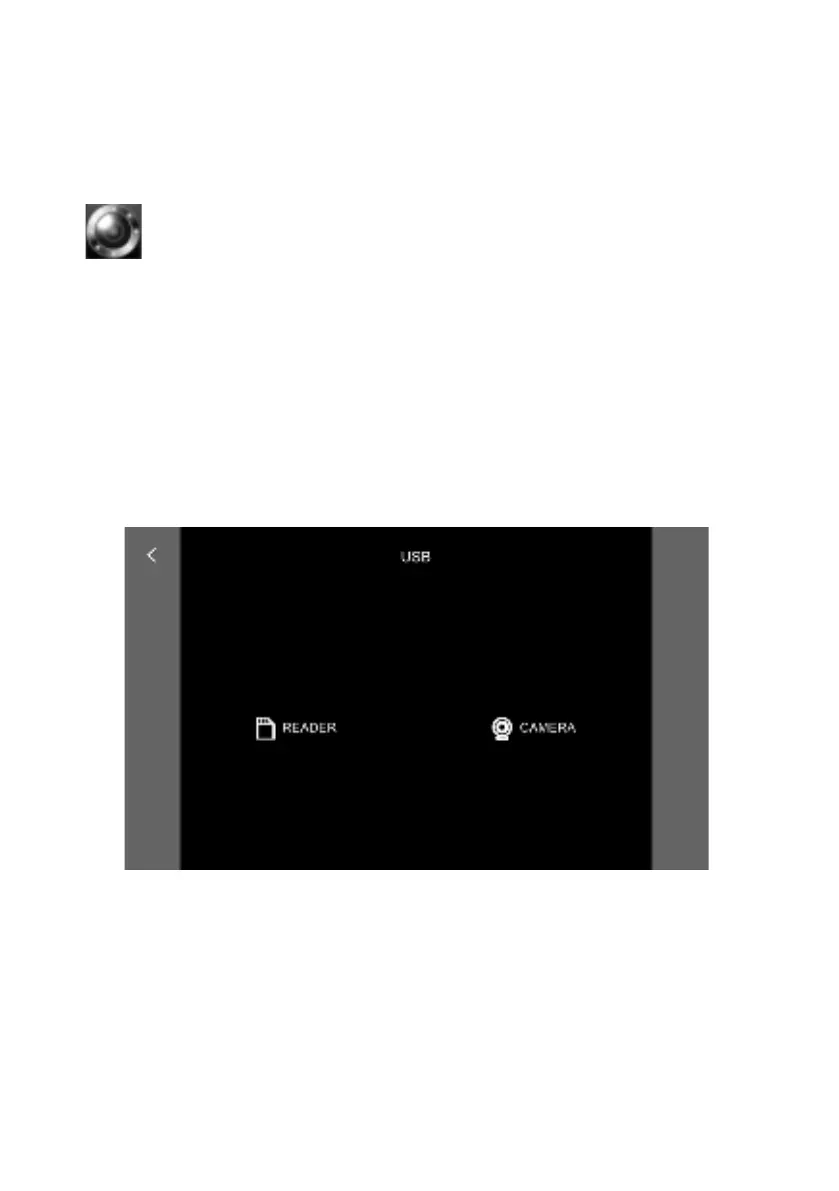
When the USB cable is connected to PCs, choose the output to be either:
(1)SDCardReader-toreadthelesonyourSDcard;(2)Camera–toviewthelive
view of the camera.
- 33 -



 To Next Page