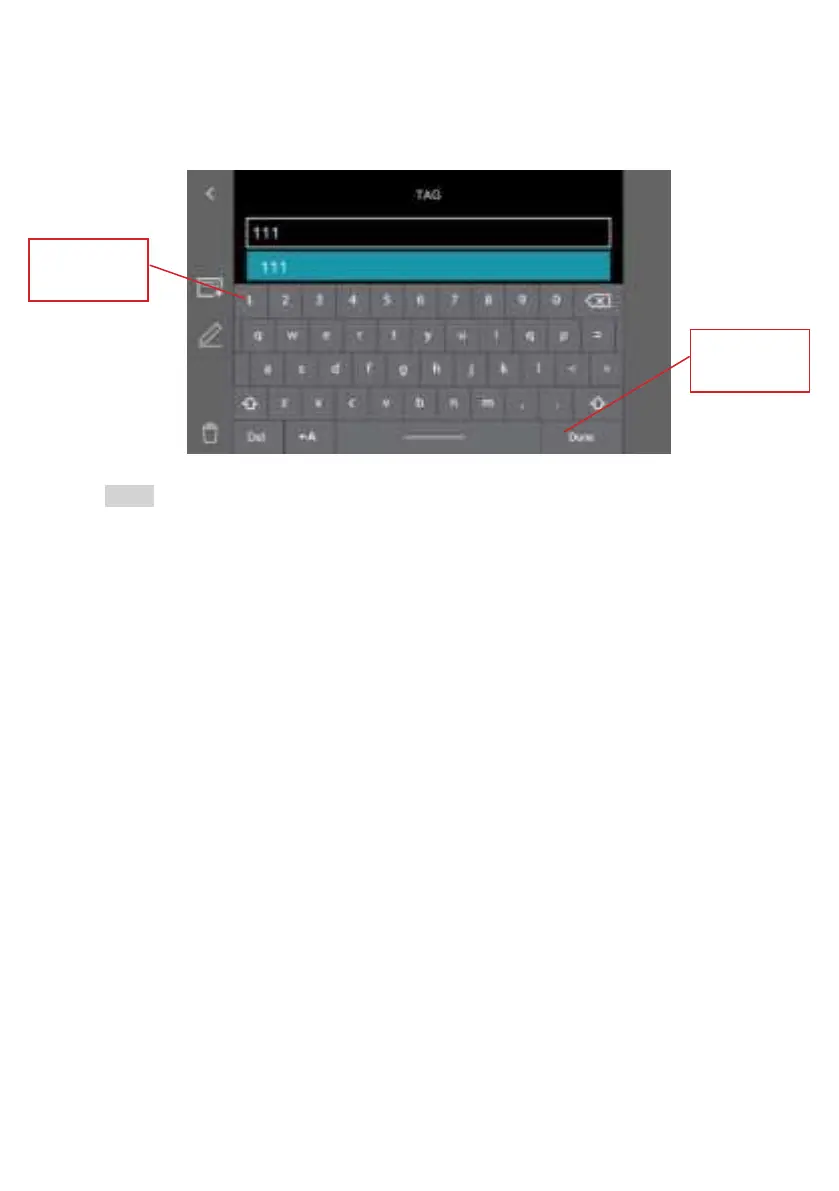
Pop-up keypad
in editing
modes
Tap ‘Done’ to
nishediting
Note:
•SESSION and TAG custom settings are saved in the systems internal
memory. All editing steps mentioned above need to be done on the X750
base unit. You cannot edit the SD card via any other PCs.
•When you replace the SD card, the custom SESSION and TAG settings will
be automatically applied. If the SD card contains folders with the same
names, then that folder will be hired directly. Other data/files in that SD
card will not be changed or moved.
- 37 -



 To Next Page