6.3.1 Instruction of the Main Display Interface
Battery information:Display the information of the rest capacity of the battery, and the charging
status.
Impact direction:The present impact direction.
Average value indicator:It appears to show the mean value of the samples when reaching the
presetting impact times.
Hardness scale:Hardness method of the present measured value.
Measured value:Display present single time measured value(without mean value indicator), or
display the present mean value (with average value indicator prompting). means over conversion
or measure range. means lower than conversion or measure range.
Material:The present presetting material.
Impact times count: Times that have been impacted.
6.3.2 Testing Operation at the Main Display Interface
Testing operation could be carried out under this interface. After each impact operation, it can display the
current measured value, impact times count plus one, the buzzer would alert a long howl if the measured
value is not within the tolerance limit. When reaching the presetting impact times, the buzzer will alert a
long howl. After 2 seconds, the buzzer will alert a short howl, and display the mean value.
6.3.3 Key Operation at the Main Display Interface
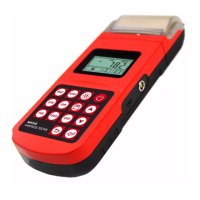
Press key【SAVE】to store present group of measured value into memory. This operation is only
valid after displaying the mean value.
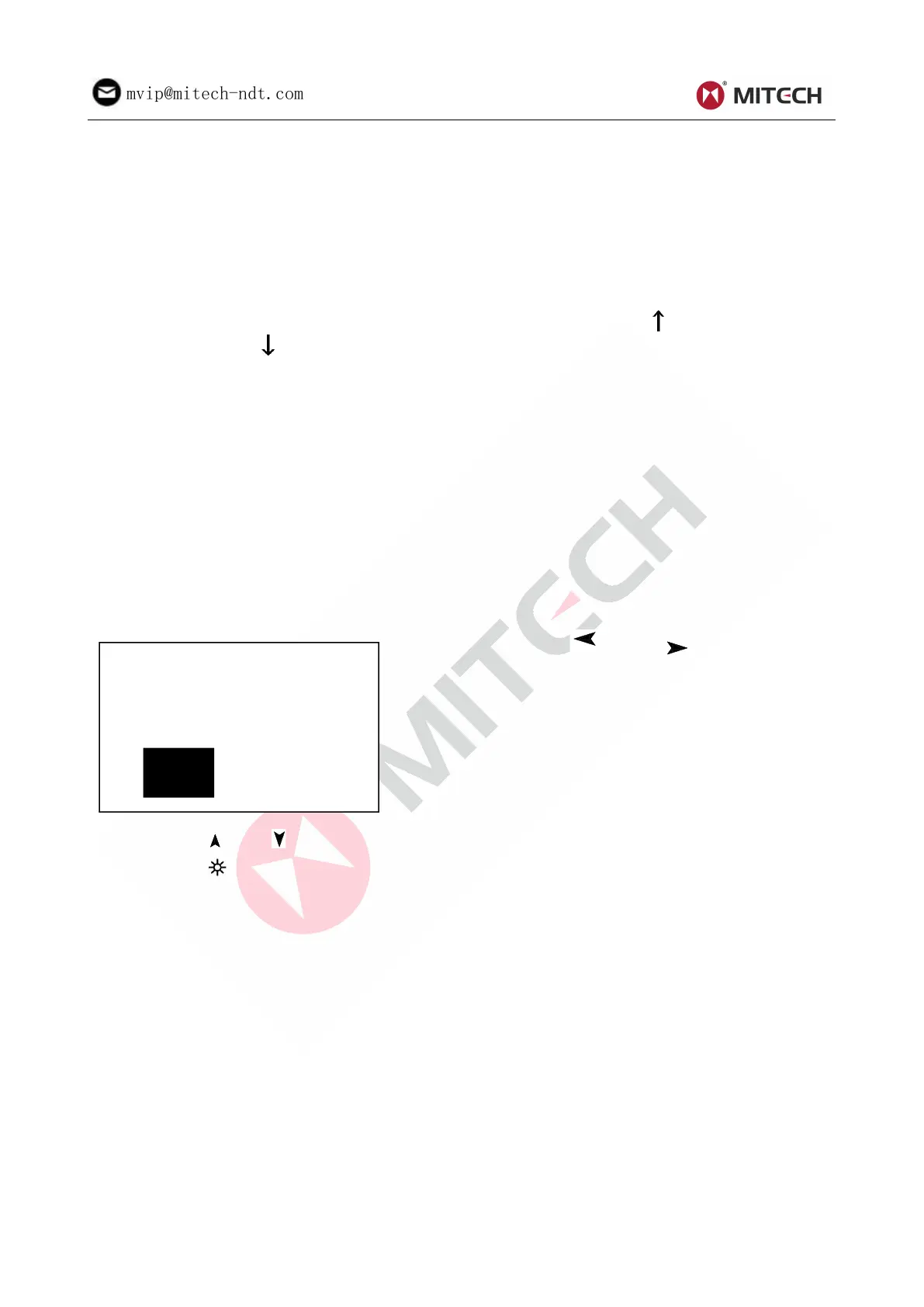
Press key 【DEL】to delete the latest single measured value. After pressing this key, the screen will
displays as below:
Press key【 】 or key 【 】to move the
Press key【ENTER】 to confirm operation. Press
key【ESC】to cancel delete operation.
Press key【 】or【 】 could display single measured value.
Press key【 】could switch on of off the background light of LCD.
Press key【MENU】could enter the system presetting menu.
Press key【DIR】to set the impact direction.
Press key【CNT】to change the impact times in one group. The impact times count item will be
highlighted when first pressing the key【CNT】, and the impact times count value will plus one with
each pressing. The value will roll back to 1 when it reaches 32.
Press key【SCALE】to change the hardness scale.
Press key 【 MAT 】 to change the material set. Presetting hardness scale recovers to HL
automatically after material presetting changed.
6.4 Menu Structure
Both presetting system parameters and the additional function could come true by menu operation. At
the main display interface, press key【MENU】 into the main menu.



 To Next Page