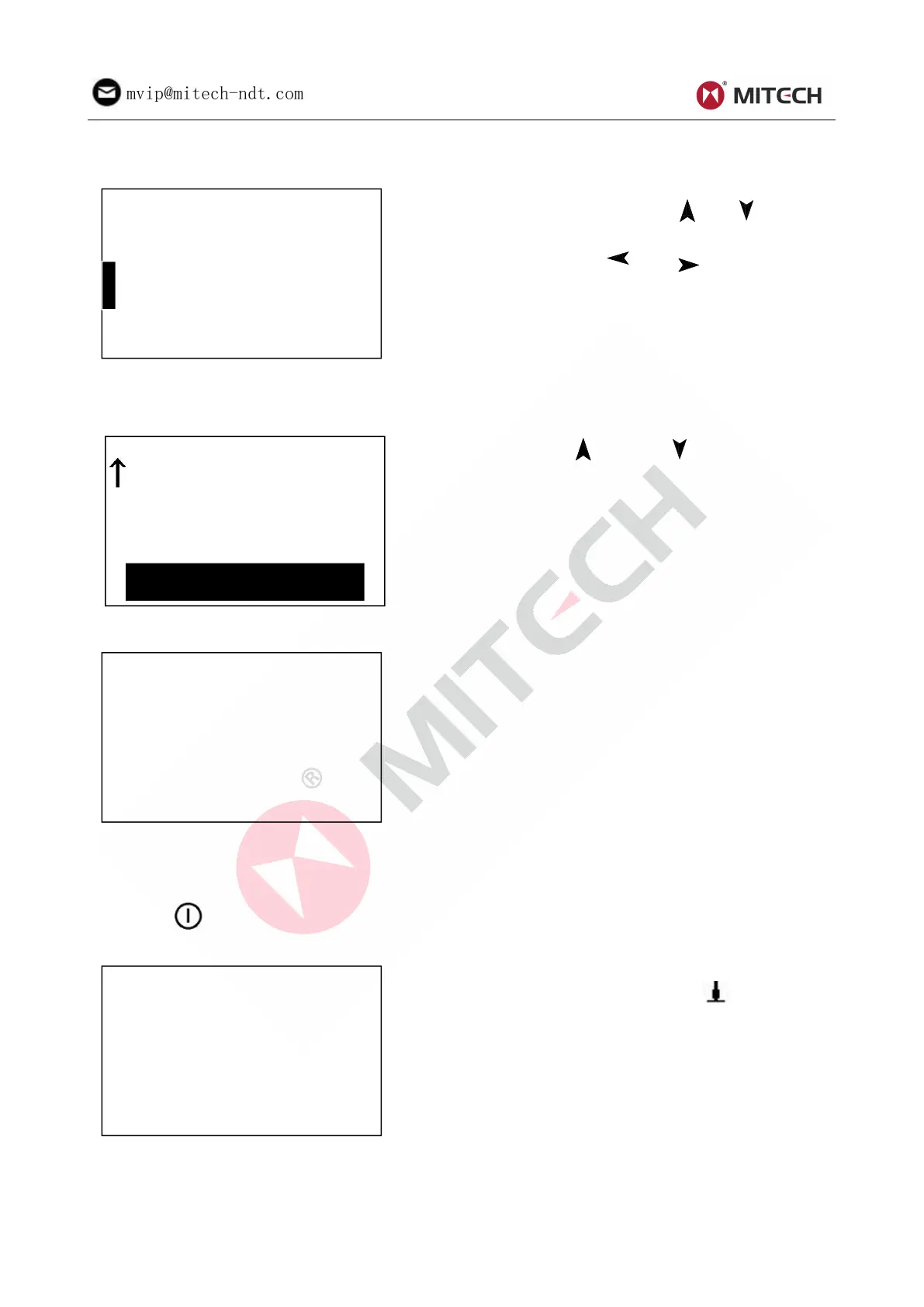
6.9.2 Time Date Set
Present time and date is displayed as“M/D/Y
H/M”. Press the figure 【 】【 】 keys to
modify the present figure. Move the cursor by
pressing the 【 】【 】keys. Press key
【 ENTER 】 to confirm modifying. Press key
【ESC】to cancel modifying and exit.
6.10 Software Information
At the main display interface, press key【MENU】 enter the main menu.
Press key【 】or key【 】to move the cursor
to【Software Info】.
Press key【ENTER】into 【Software Info】screen.
This screen displays the information about the
main body and the firmware. The version, the
Code and the SN would change with the
firmware.
6.11 System Calibration
The tester and impact device must be calibrated using hardness block before use as the first time, or
having not been used for a long time, or having reset the system.
Press key【 】, meanwhile pressing【ENTER】to power on the system. Then the software calibration
screen shows as below.
Set the impact direction as【 】. Measure 5
points on the standard hardness block.



 To Next Page