6.9 System Set
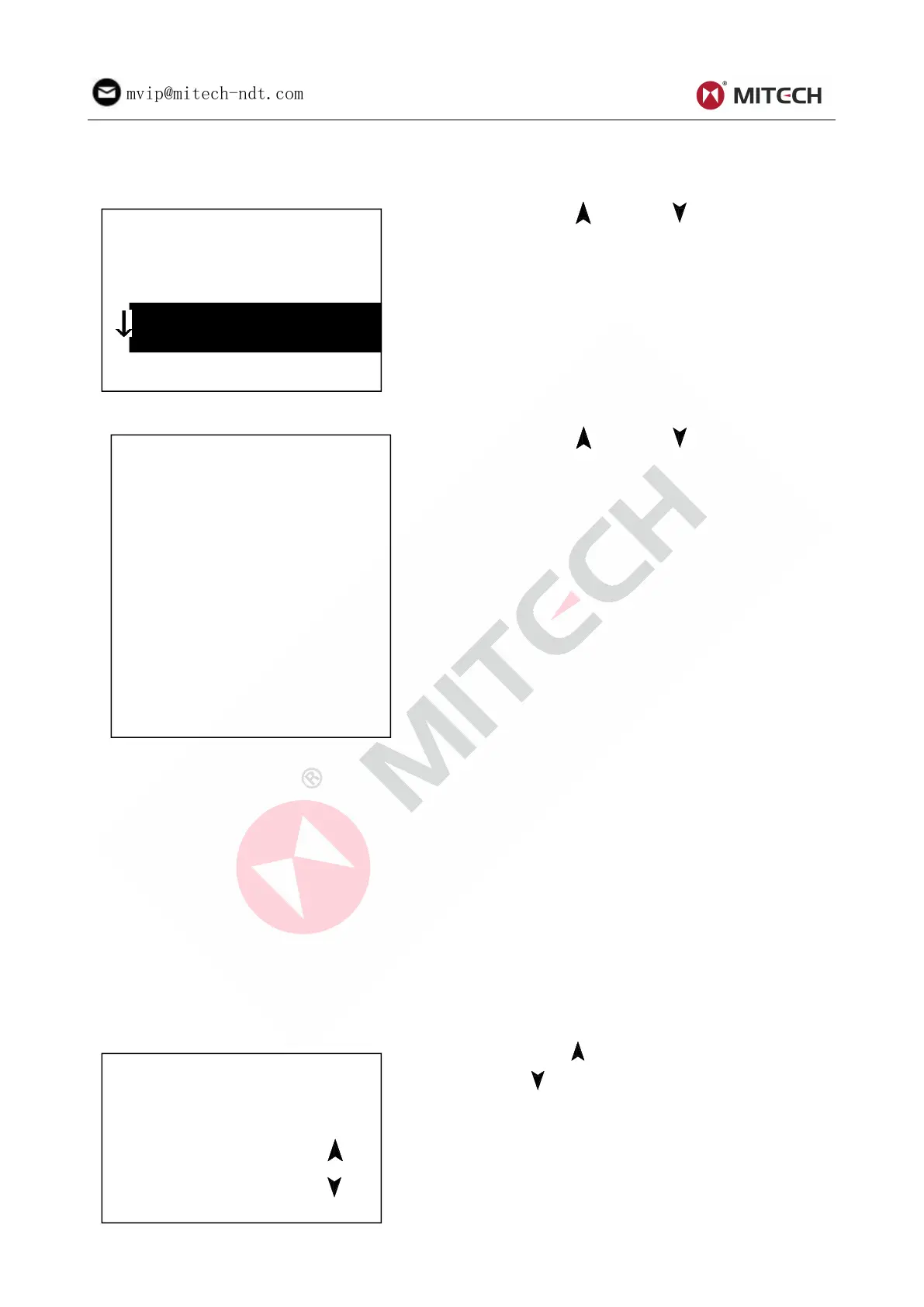
At the main display interface, press key【MENU】 enter the main menu.
Press key【 】or key【 】to move the cursor
to【System Set】Menu.
Press key【ENTER 】to enter【System Set】
menu.
Press key【 】or key【 】to move the cursor
to the item wanted.
Press key【ENTER】to modify the setting directly
or into corresponding screen.
Press key【ESC】to exit.
【Auto Save】 【Auto Delete】 【Auto Trans】
【 Key Sound 】 【 Warn. Sound 】 could be
switched on or off.
When【Auto Save】is set to <On>, could store the data of current group automatically after measuring
and displaying average value.
When【Auto Print】is set to <On>, could print the data of current group automatically after measuring and
displaying average value.
When【Auto Delete】is set to <On>, according to 3σ rule, could cancel gross error automatically after
having measured presetting average times or pressing end in advance. If there is data canceled, it
needs supplemental measure to reach presetting times.
When【Auto Trans.】is set to <On>,could export the value of present group through communication port
after measuring and displaying average value. It’s not available now.
When【Key Sound】is set to <On>, the buzzer would make a short hoot while press key each time.
When【Warn. Sound】is set to <On>, if the measured value exceeds the tolerance limit, reached the
presetting average times or deleting data, the buzzer would make a long hoot.
6.9.1 LCD Brightness Set
Press key【 】to enhance the brightness. Press
key【 】to weaken the brightness.
Press key 【ENTER 】 to confirm the modifying.
Press key【ESC】to cancel the modifying.



 To Next Page