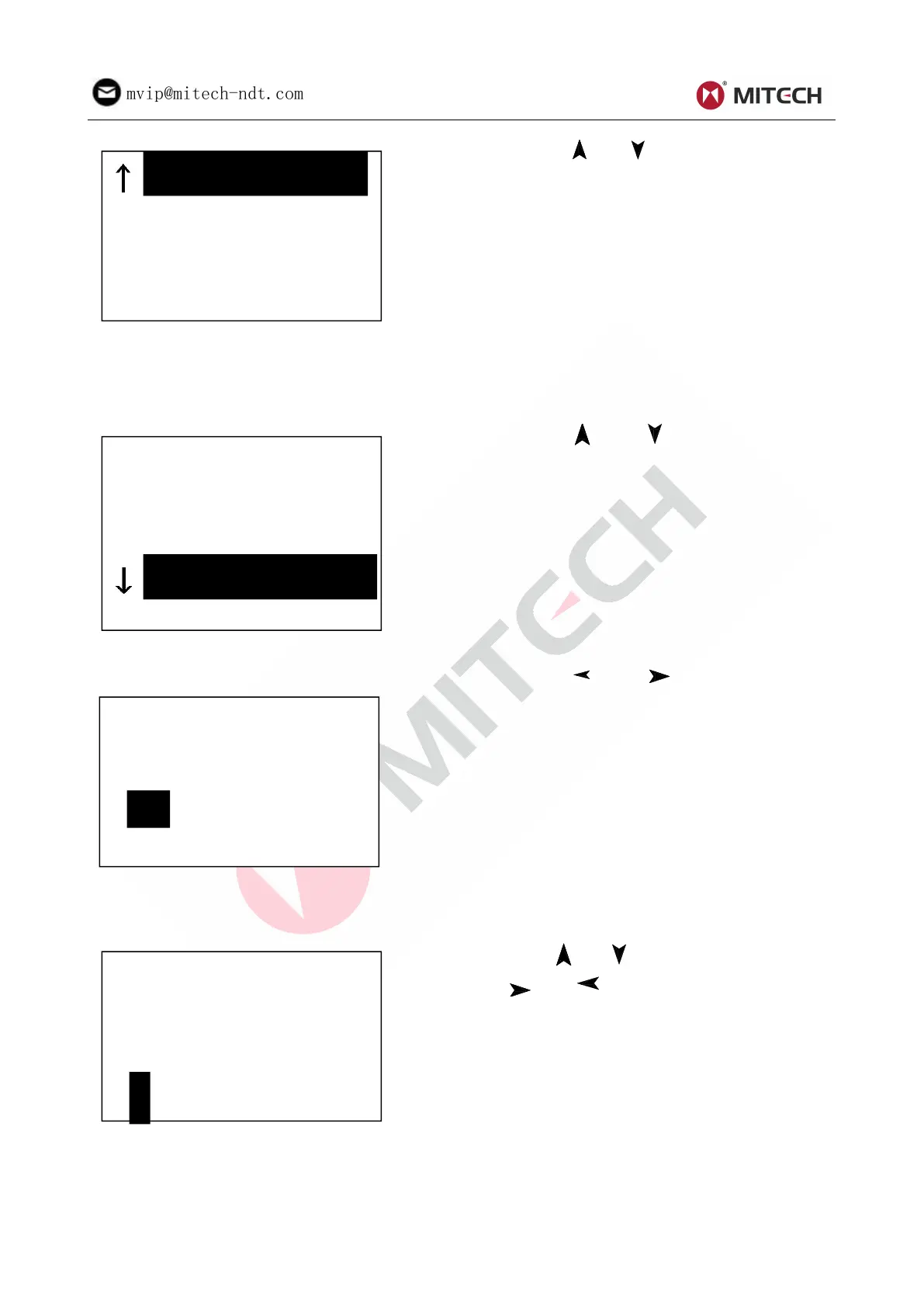
Press key【 】or【 】to move the cursor to the
material you want to preset.
Press key【ENTER】to confirm it.
Press key【ESC】to cancel it.
Note 1. Presetting hardness scale recovers
to HL automatically after material presetting
is changed.
2. Please select material first, then select
hardness scale.
When 【Hard/ бb】is preset to бb, it will display the following material: Mild Steel、High-Carbon Steel、
Cr Steel、Cr-V Steel、Cr-Ni Steel、Cr-Mo Steel、Cr-Ni-Mo Steel、Cr-Mn-Si Steel、Super Strength Steel
and Stainless Steel.
Press key【 】or 【 】 to move the cursor to
the material to want to preset.
Press key【ENTER】to confirm it.
Press key【ESC】to cancel it.
6.5.4 Hardness Scale Setting
Press key【 】 or【 】to move the cursor to
the hardness scale you want to preset.
Press 【 ENTER 】 to confirm setting. Press
【ESC】 to cancel setting.
Note
:
1. Here only displays the valid
hardness scale for the present selected
impact device and material. It would not
display the hardness scale which is not valid.
2.Please select material first, then select
hardness scale.
3.Presetting hardness scale recovers to HL
automatically after presetting material is
changed.
6.5.5 Tolerance Limit Setting
Press 【 】【 】 to move the cursor. Press
【 】【 】 to change the number. Press
【ENTER】 to confirm setting. Press 【ESC】 to
cancel setting.
Note:1. If the setting value exceeds the
measure range, the instrument will remind
you to reset.
2. If the bottom limit is larger than the upper
limit, they will exchange automatically.
6.5.6 Hardness/бb Setting



 To Next Page