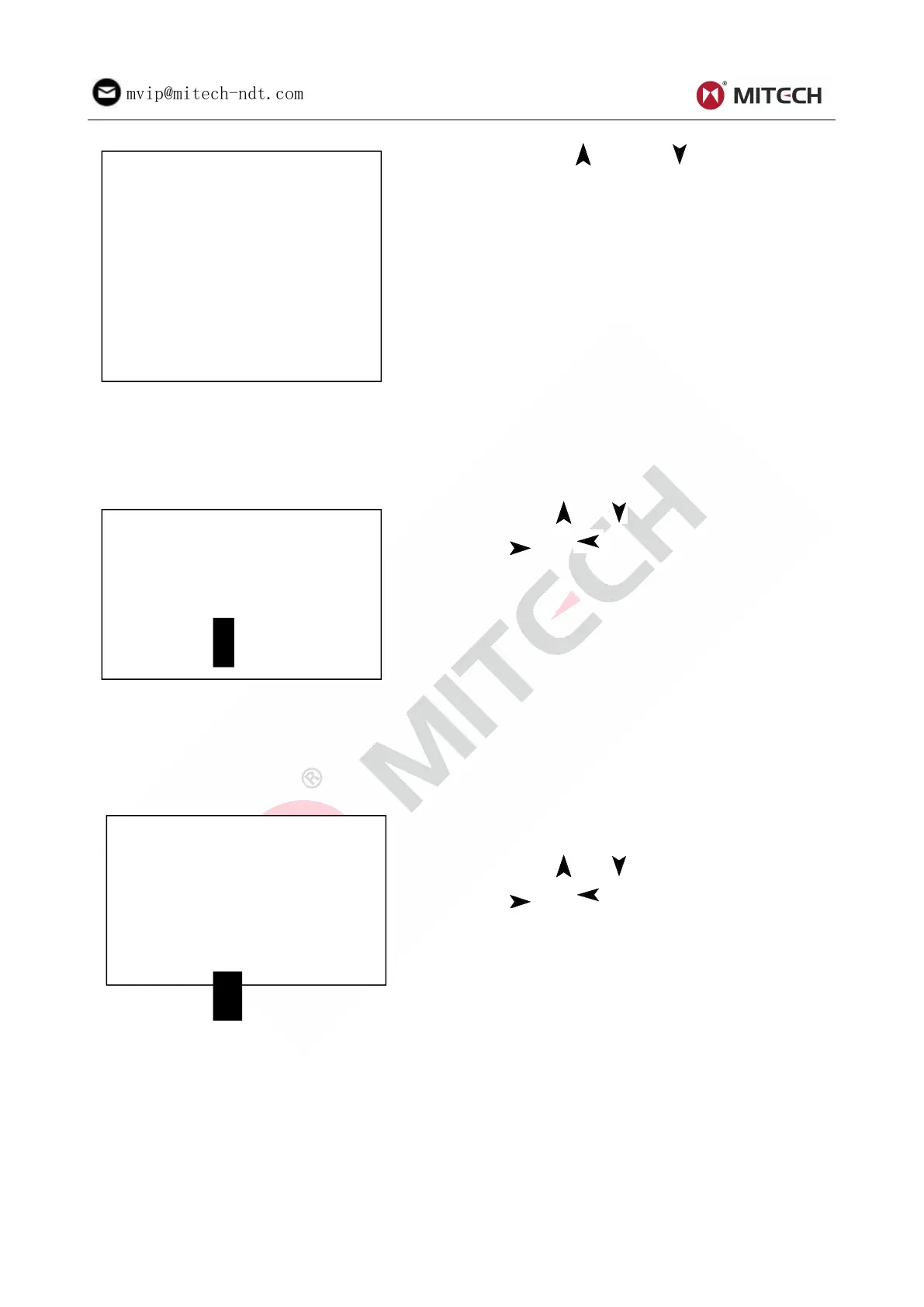
Press key【 】or key【 】to move the cursor
to the function wanted, then press key【ENTER】
to confirm.
6.7.1 View from No.1 Group/View from Ending Group
【 View from No.1】Start display values in the memory from the first group.
【View from End】Start display values in the memory from the ending group.
6.7.2 View from Selected No. Group
Press 【 】【 】 to move the cursor. Press
【 】【 】 to change the number. Press
key【ENTER】 to start displaying memory data
from the selected beginning group. Press key
【ESC】to cancel current operation.
6.7.3 Data Transfer
【Transfer】export the values stored in the memory as text format to PC through USB port. This function
is not available now.
6.7.4 Delete by Group No.
【 Delete by No.】displays selecting the range of
deleting groups.
Press 【 】【 】 to move the cursor. Press
【 】【 】 to change the number. Press
key 【 ENTER 】 to delete the selected groups.
Press key【ESC】to cancel operation.
Note:
1. If the preset group number exceeds the actual range, then deletes the actual groups among
them.
2. Do not shut down the instrument while deleting data. It could lead to unpredicted consequence
if shutting down while deleting.
6.7.5 Delete All Data
【Delete All】will delete all the data in the memory.



 To Next Page