Mitel
®
5320/5330/5340 IP Phone User Guide – Issue 5, February 2011 Page 39
Answering and Placing Calls
Dialing Station Speed-Dial Numbers
To dial a Station Speed-Dial number:
Do one of the following:
Dial 382, and then enter the Station Speed Dial bin (0 to 9). The system dials the
number.
Press (Up) or (Down) to scroll through the speed-dial bins, and then press
# to select the bin and dial the number.
Deleting Station Speed-Dial Entries
To delete a Station Speed-Dial entry:
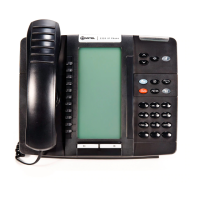
1. With the handset on-hook, dial 383. PROGRAM STN SPD (0-9) OR SCROLL appears.
2. Do one of the following:
Press (Up) or (Down) to scroll through the speed-dial bins.
Enter the speed-dial bin (0 to 9).
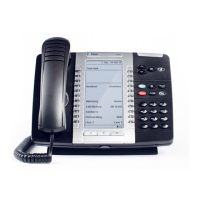
3. Press # or the ACCEPT menu button (5340 IP Phones only) to select the bin.
4. Press (Hold) repeatedly until the name is erased, and then press # or the
ACCEPT menu button (5340 IP Phones only) to continue.
5. Press (Hold) repeatedly until the number is erased, and then press # or the
ACCEPT menu button (5340 IP Phones only). STN SPD BIN # <number> UPDATED
appears.
NOTE
You can also program buttons to dial Station Speed-Dial numbers.
See “Assigning Speed-Dial Numbers to Programmable Buttons” on
page 40.


 To Next Page