11
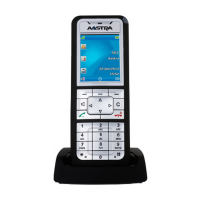
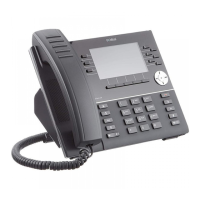
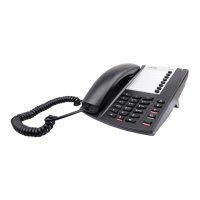
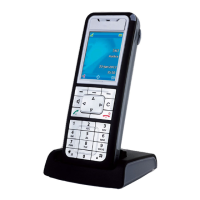
Mitel 612, 622, 632 and 650 Dect Phones
Mitel 612, 622, 632 and 650 DECT Phones Quick Reference Guide
1. System dependent
Call Forwarding
Follow-me
Order from your
extension:
Press softkey long
Select Server menu - Diversion -
FollowMe
Enter extension number and Press
OK
or
*21* extension number #
U.S.A and U.K : Press *2*
Cancel: Press softkey long
Select Server menu - Diversion
or
# 21#
U.S A and U.K : Press #2#
External follow-me
Order:
Press softkey long
Select Server menu- Diversion -
Ext.Follow Me
Enter external line code and
number and press OK
or
Press
*22# External line code
and number
#
U.S.A. and Canada: Press *23#
Cancel: Press softkey long
Select Server menu - Diversion
or
#22#
U.S.A. and Canada: Press #23#
Direct Diversion/Diversion on no answer/Diversion
on busy
You can activate the feature when you want your calls to
be forwarded to a predefined answering position. This
feature is only available if the system administrator has
enabled it.
Direct Diversion
Ordering Direct
Diversion:
Press Softkey long
Select Server menu - Diversion-
Direct Diversion
Press OK
or
*21#
Cancel Direct
diversion:
Press Softkey long
Select Server meny- Diversion
or
#21#
Diversion on no answer (Individual Diversion)
Order Diversion on
no answer:
Press Softkey long
Select Server menu - Diversion
Toggle to Div on no answer
Press OK
or
*211#
Cancel Diversion on
no answer:
Press Softkey long
Select Server meny- Diversion
Toggle to disable Div on no
answer
or
#211#
Call Forwarding
Aastra 6XX_QRG_MX-ONE.book Page 11 Thursday, June 15, 2017 2:03 PM


 To Next Page