Mitel Deskphones
Revision: 4.5_6630 2
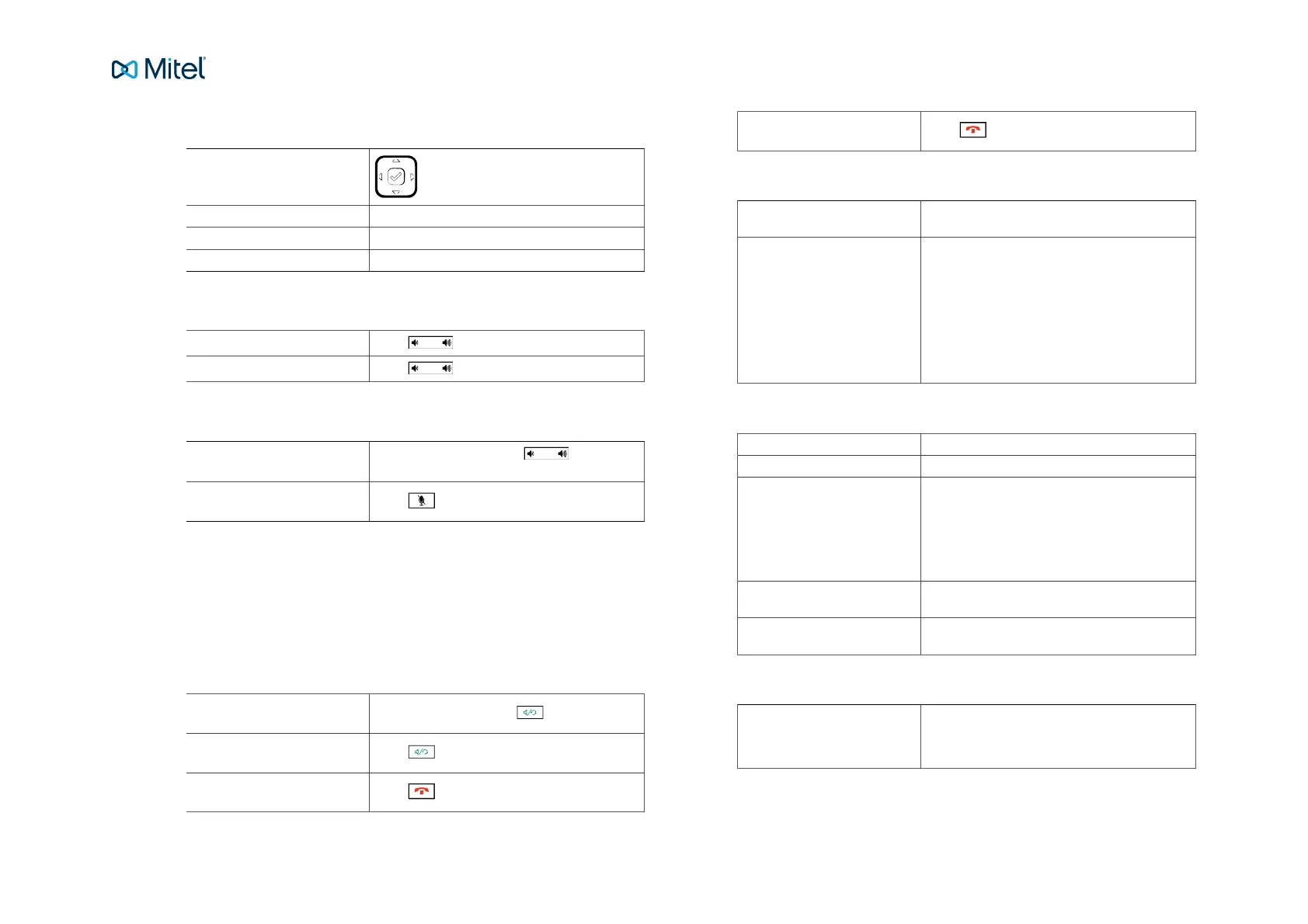
Table 2. Navigation
Navigation / Select keys:
Up and down key: Scroll in the menus and lists.
Left arrow key: Go back.
Right arrow key: Select the option.
Table 3. Set volume
Adjust volume during a call:
Press during the call.
Adjust ringing volume:
Press in idle mode.
Table 4. Silent ringing and mute
Silent ringing:
Press the left Volume key until the col-
umn is empty.
Mute microphone during call:
Press
2. Basic call handling
You can call a user in many ways: dialing the number, pressing the shortcut key,
pressing and holding on a quick dial key, selecting the contact in your contact list or
searching for the contact in the directory and then calling.
Table 5. Incoming calls
Answer:
Lift your handset or press
Handsfree mode:
Press
End call:
Press
Reject call:
Press
Table 6. Missed calls
Missed call indication: Missed calls are indicated by the Missed Call text
on the display.
Check missed calls: 1. Press the Call log key. A list of types of calls
is displayed.
2. Select Missed calls.
3. Press Select. A list is displayed.
4. Check the missed call.
5. Press Done to exit the call list.
Table 7. Outgoing calls
Internal calls: Enter the number and press Dial.
External calls: Enter the full number and press Dial.
Dial from call log (incoming
calls):
1. Press the Call log softkey. A list is displayed.
2. Select type of calls from the list.
3. Select the contact to call.
4. Press Select. The contact is dialed.
Dial by softkey: Press the softkey that is assigned to a number
you want to dial.
Dial by speed dial key: Press and hold the keypad key (1-9). The number
associated with the key is called.
Table 8. Transfer calls
Attended transfer: 1. During your call, press the Xfer softkey.
2. Type the number to the 3rd party, then press
Dial.



 To Next Page