SETTING DO-NOT-DISTURB (DND)
Press the DND button or Dial Feature Code 370
Enter the 2-digit DND code (see list of codes and messages below)
-OR-
Use the volume up/down arrows to scroll through the available messages
Press the (Speaker) key to activate the displayed message
Available DND Messages:
01 – Do Not Disturb 08 – At the Doctor 15 – With a Guest
02 – Leave a Message 09 – On a Trip 16 – Unavailable
03 – In Meeting Until _____ 10 – On Break 17 – In Conference
04 – In Meeting 11 – Out of Town ‘til _____ 18 – Away from Desk
05 – On Vacation ‘til _____ 12 – Out of Office 19 – Gone Home
06 – On Vacation 13 – Out Until _____ 20 – Out to Lunch
07 – Call Me At _____ 14 – With a Client
You can enter a custom 2
nd
line of text via the keypad with any DND message
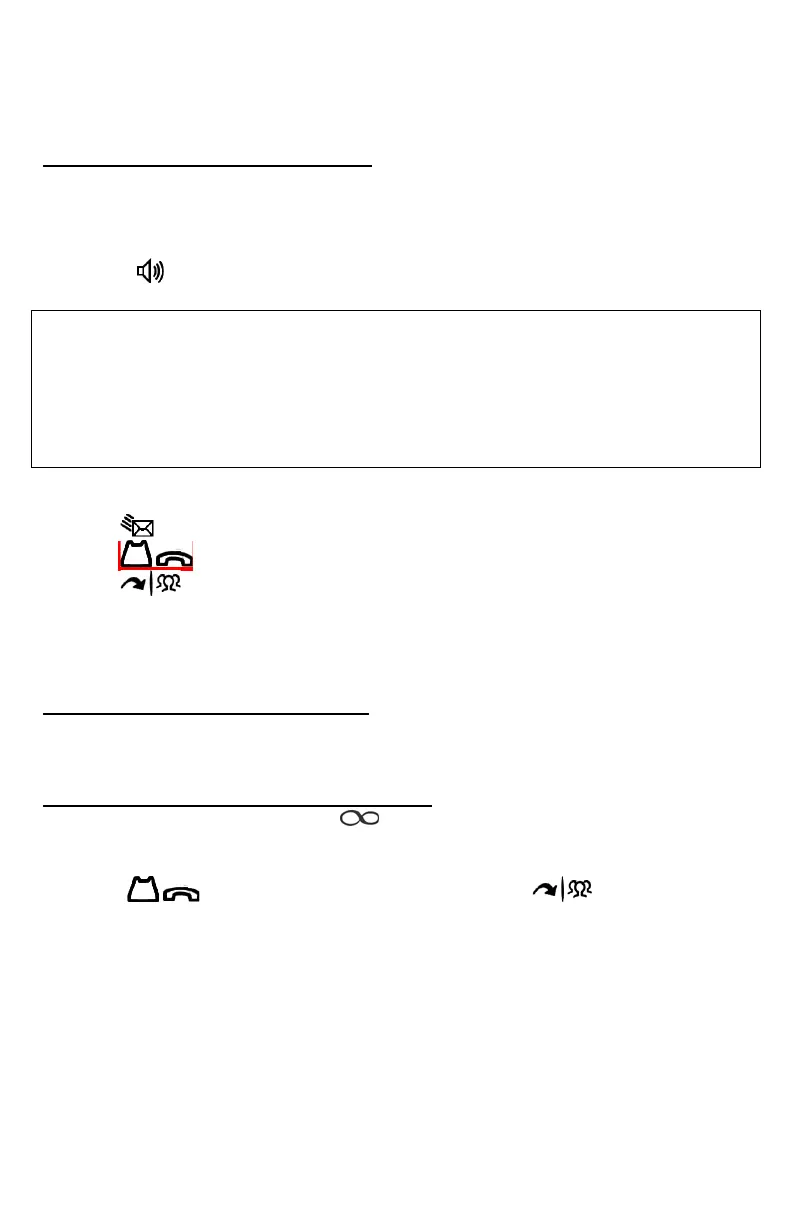
Use the (Msg) button to toggle between numbers and letters
Use the (Hold) button to backspace
Use the (Transfer) to move forward a space
Use the * key for colon (:)
Use the # key for (-)
CANCEL DO-NOT-DISTURB (DND)
Press the lit DND button or Dial Feature Code 371
PROGRAMMING STATION SPEED DIALS
With handset in the cradle, press 383
Select a speed dial location, from 0 to 9
Enter in the name via the keypad (as you would on a cell phone)
(Use the (Hold) button to backspace, and the button to forward
space)
Press #
Enter 8, then the telephone number
Press # to save the entry





 To Next Page