Listen to Messages
Using the Desktop Phone
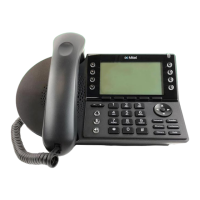
• Press the Voicemail button on your Mitel Phone
• Press the softkey to choose Call VM (options shown on the phone screen).
• Enter your password followed by the # key.
o If you have forgotten your password, try 12345. If that doesn’t work, please open a ticket in
SherpaDesk to reset it to the default.
• The voicemail attendant notifies you of the count of unheard, heard and/or saved messages.
• From the main menu, press 1 to listen to messages.
• When listening to messages, you can choose the following options:
o Press 1 – replay
o Press 2 – save
o Press 3 – delete
o Press 4 – forward the message to someone else
o Press 5 - reply
o Press 6 – play envelope (gives you the date and time of the message)
o Press 7 – move backward
o Press 8 – pause
o Press 9 – move forward
o Press # – skip
o Press ✱ – cancel
o Press ✱✱ – play previous message


 To Next Page