Remotely by Phone
• Call Voicemail directly by dialing 469-219-2118.
• Enter your five-digit extension.
• Enter your password followed by the # key.
o If you have forgotten your password, try 12345. If that doesn’t work, please open a ticket in
SherpaDesk to reset it to the default.
• Access options in the same manner as you would on your desktop phone.
Back to Top
Send a Message
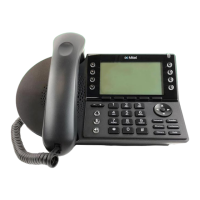
• Press the Voicemail button on your Mitel Phone
• Press the softkey to choose Call VM (options shown on the phone screen).
• Enter your password followed by the # key.
o If you have forgotten your password, try 12345. If that doesn’t work, please open a ticket in
SherpaDesk to reset it to the default.
• Press 2 to Send a message.
• Record your message at the tone.
• When finished, press # and select from the following options:
o Press # – accept
o Press 1 – review
o Press 2 – re-record
o Press 3 – delete
o Press ✱ – cancel
• Enter the 5‐digit extension to receive your message.
o Repeat this for as many recipients as you need
o To conclude message addressing, press #
• To send message, press # again.
• If you change your mind and decide to not send the message, press ✱ to cancel the recording.
Back to Top


 To Next Page