How to setup new voicemail from your extension:
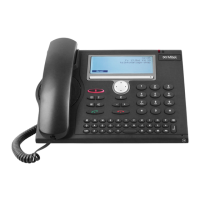
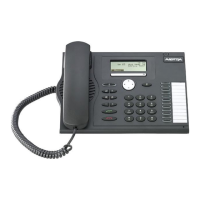
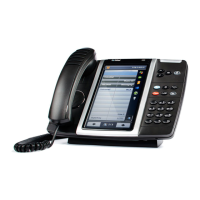
1. From the desk phone, call voicemail by selecting the message envelope key
2. An auto attendant will answer and request you to enter your passcode
The default password is 1111
3. Once you enter the default passcode, you will be guided through setting up a personal passcode, your voicemail greeting, and
your name.
How to check for voicemails from another extension:
1. From the desk phone, call voicemail by selecting the message envelope key
2. Press the * key
3. Enter your mailbox number (Site Code + Extension)
Example: XXXXX
4. Then press the * key to continue
5. To access your voicemail, enter your passcode.
How to check voicemails from outside the District:
1. Dial the main District Number: 916-771-1600
2. Press the * key
3. Wait for VM greeting
4. Enter your mailbox number (Site Code + Extension)
Example: XXXXX followed by the * key
5. To access your voicemail, enter your passcode.








 To Next Page