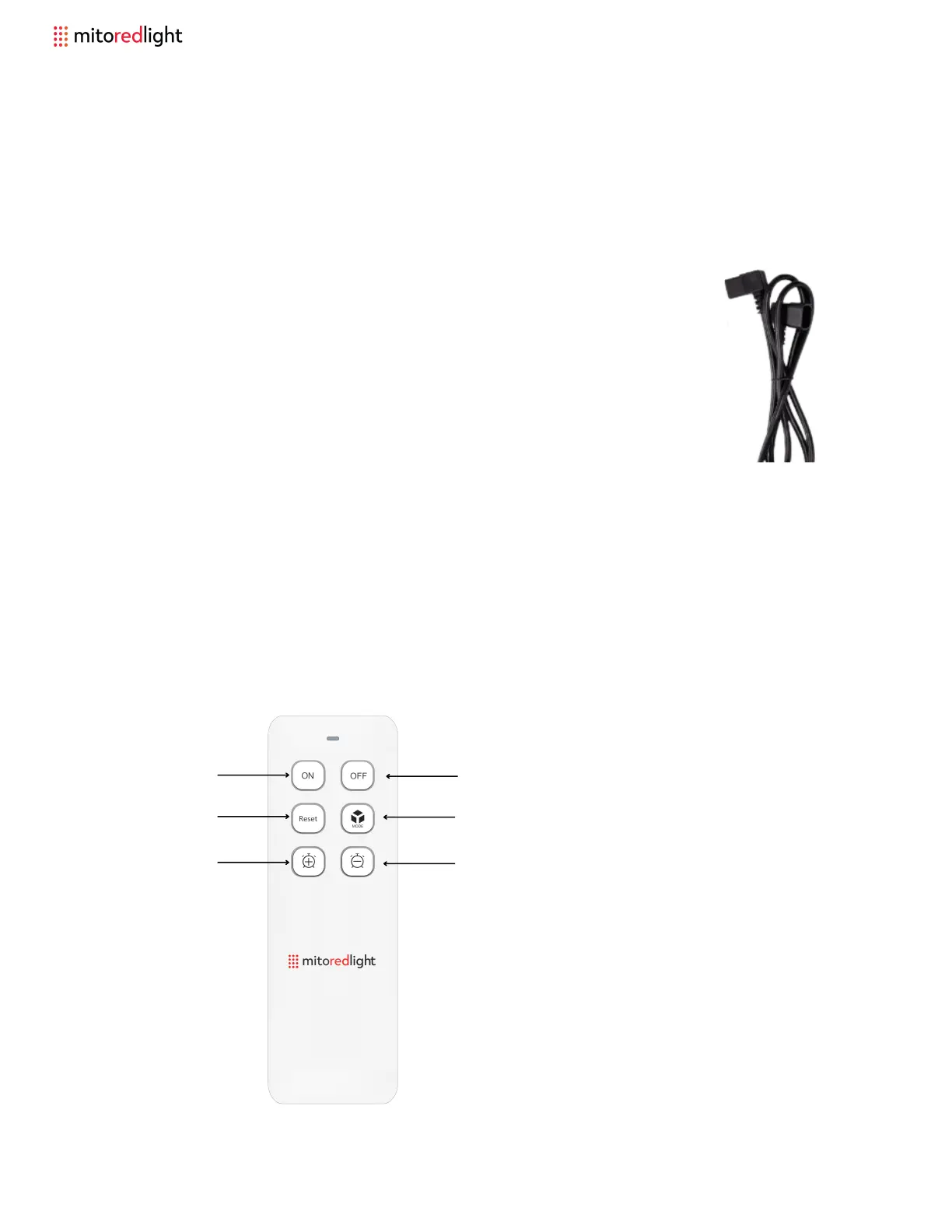
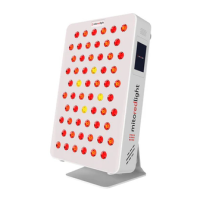
MitoPRO+ REMOTE CONTROL
CONNECTING POWER TO TWO OR MORE PANELS
Step 1: Power can be daisy-chained to 2 or more panels with the
included connecting power cord.
NOTE: No more than 4 panels (MitoPRO 1500+ or smaller) should
ever be connected in a daisy chain power set up (due to the total
wattage draw).
XL Panels should always have their own individual power cord
and dedicated outlet / circuit.
Step 2: Use the remote control to control the panels. If the panels ever go out of sync
press the 'Reset' button, to reset the settings on all panels to the default (10 minutes,
red and near infrared active).
Increase time
Decrease time
Select mode - choose between Red only (A),
Near Infrared only (I), or both (A I).
Reset panels
Turn on panels Turn off panels
* 2 x AAA batteries required, but not included
14 www.mitoredlight.com



 To Next Page