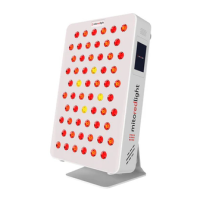
Step 1: You will need to remove the
lower two rubber feet from the back of
your unit using a small Philips head
screwdriver before installation into the
floor stand. Then screw on castor
wheels.
Step 2: Insert your light into the Floor
stand and ensure it is seated properly.
Important note: ensure the panel is fully seated into the bottom of the stand by pushing
downwards on the top of the panel.
This is a quick start guide. Please see Floor Stand User Manual for full
Floor Stand assembly instructions.
MITOPRO+ FLOOR STAND INSTRUCTIONS
SINGLE PANEL
www.mitoredlight.com 15



 To Next Page