44
4.2. Account and Pairing (optional)
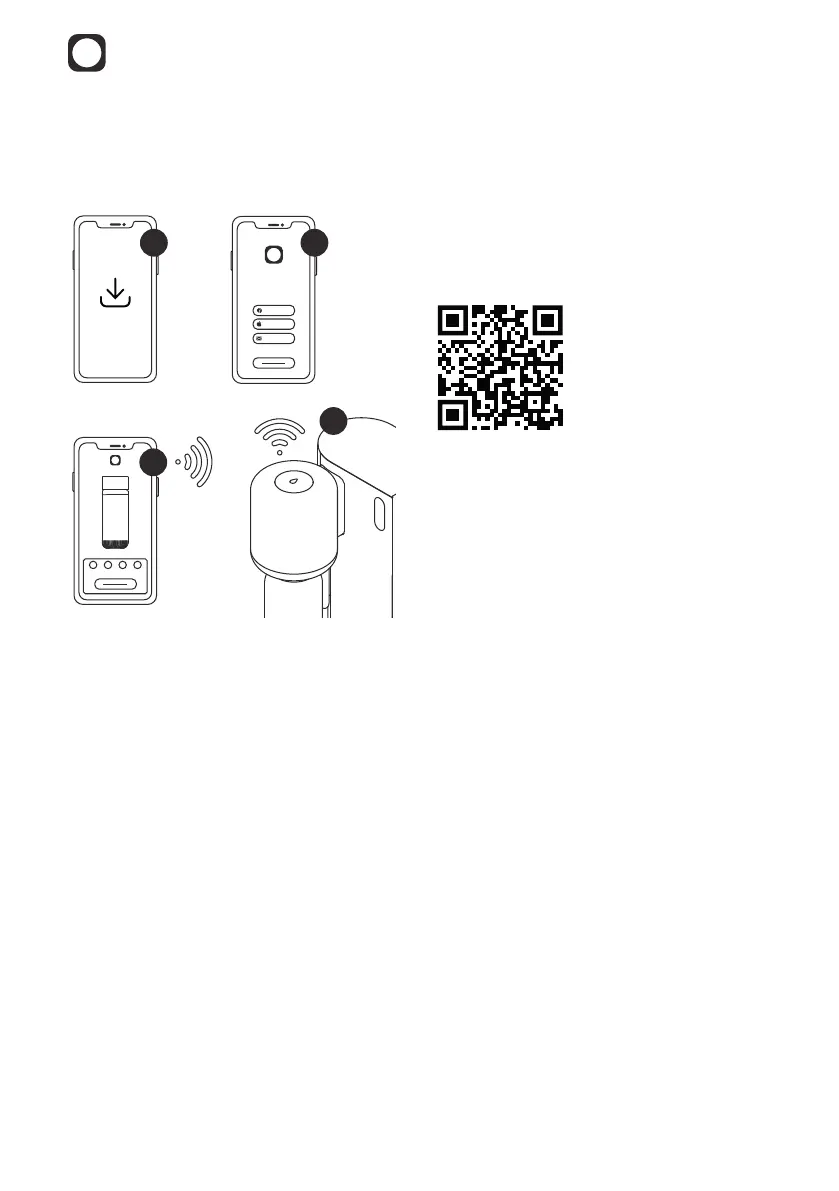
We recommend setting up your Mitte Home using the Mitte app.
1
2
3
4
1. Download the app using the QR code
below and open the Mitte app on your
smartphone.
2. Create an account or login to your
existing account which you created
when purchasing the Mitte Home
Device.
3. If you decide to connect to the Mitte
app, please follow the step-by-step
instructions in the app to continue
onboarding your device. In that case,
you can disregard the next steps
outlined in this section of the user guide.
4. The Mitte app will prompt you to pair
your phone with the device via Bluetooth
and connect to WiFi for a smart and
integrated experience.
Mitte Home can also be used separately
from the app. To do so, follow the steps
in this manual.



 To Next Page