EasyManua.ls Logo

MKN FlexiCombi MagicPilot Series - User Manual

MKN FlexiCombi MagicPilot Series
96 pages
Print Icon
To Next Page IconTo Next Page
Loading...
Operating instructions
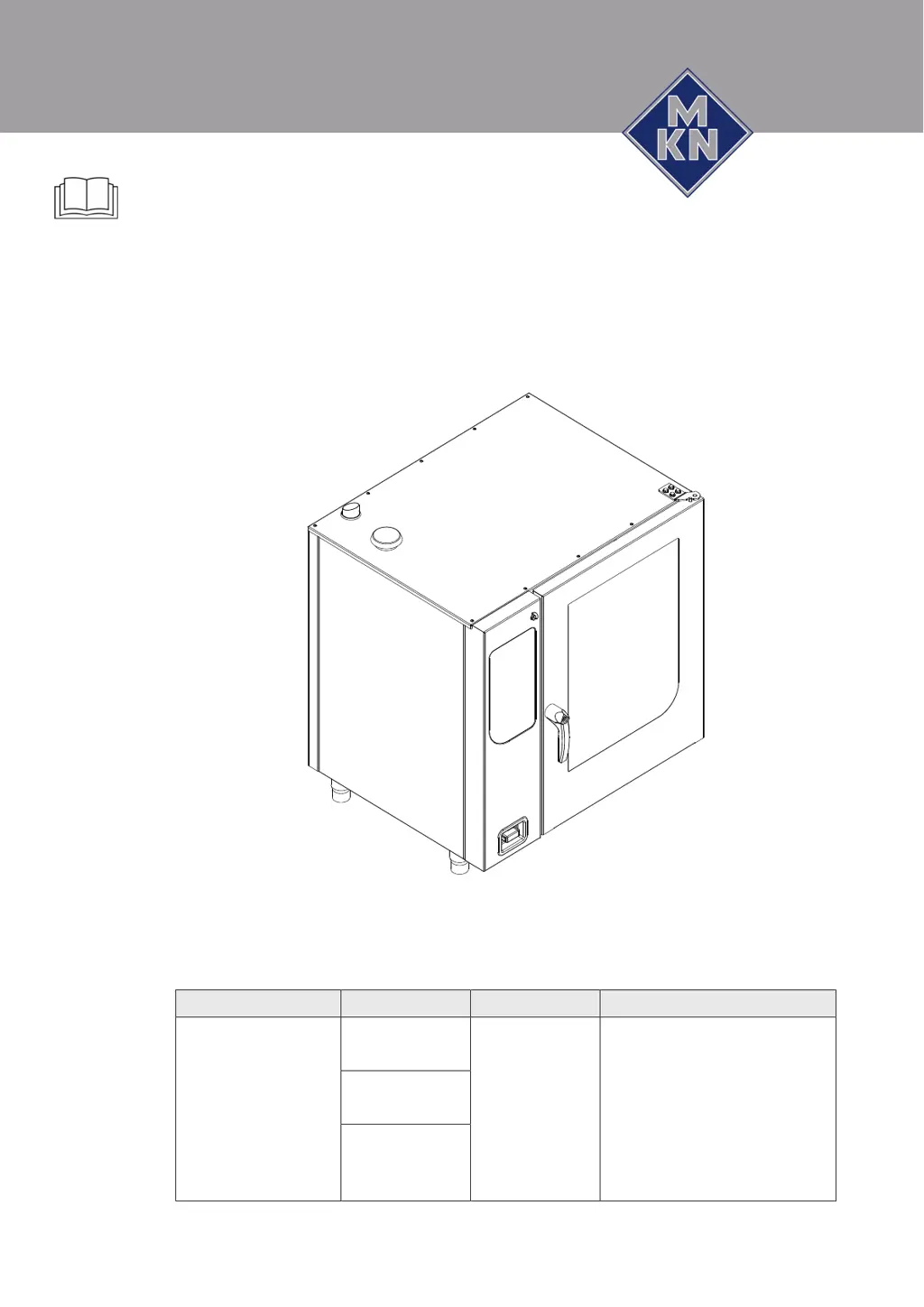
Combisteamer
Unit Model Type of energy Version
FlexiCombi MagicPilot FKECOD615T
FKECOD621T
Electric WaveClean
Door with hygiene glazing
(optional)
4-point core temperature sensor
(optional)
Sous-vide core temperature
sensor (optional)
Software version 1.65
FKECOD1015T
FKECOD1021T
FKECOD2015T
FKECOD2021T
Translation from the original document • 10013865-0ABDE-B • 17/01/2017
10013865-0ABBE-B en-GB
Read the operating instructions prior to
commissioning

Table of Contents

Other manuals for MKN FlexiCombi MagicPilot Series

Questions and Answers

  • C
    cummingssheilaAug 16, 2025
    What to do if I see a 'water pressure too low' error message on my MKN Commercial Food Equipment?
    • P
      Patrick HarrisAug 16, 2025
      If the water pressure is too low, as indicated by a permanent error message, open the water valve. If the water valve is already open, it is recommended to contact customer service.
  • R
    Richard WelchAug 19, 2025
    What to do if the 'water pressure too low' error appears sporadically on my MKN FlexiCombi MagicPilot Commercial Food Equipment?
    • H
      Heather FrederickSep 12, 2025
      If the water pressure is sporadically too low, activate fewer simultaneous water consumers in the kitchen. If the issue continues, contact customer service.
  • J
    Jason RodriguezAug 22, 2025
    What to do if my MKN FlexiCombi MagicPilot unit restarted after a power failure?
    • S
      Steven GillAug 22, 2025
      If the unit restarts after a power failure, and there was no power failure in the kitchen, it might be an operating error. If the power failure lasted less than a minute, confirm the power failure message and continue with the cooking program without needing to clean. However, if the power failure was longer than a minute, the cooking program will be cancelled, and you'll need to perform a cleaning.
  • R
    Randy BarryAug 25, 2025
    What to do if the external core temperature sensor is defective in my MKN FlexiCombi MagicPilot?
    • S
      Steven BensonAug 26, 2025
      If the external core temperature sensor is defective, use the internal core temperature sensor. If the problem persists, contact customer service.
  • R
    robert04Aug 28, 2025
    What to do if there is no water in the waste trap of my MKN Commercial Food Equipment?
    • J
      Justin HinesAug 28, 2025
      If there is no water in the waste trap, it means that the waste trap is not filled with sufficient water. To solve this, open the water valve and pour 2 liters of water into the cooking zone. If the error message continues to appear, contact customer service.
  • M
    Mark StricklandAug 31, 2025
    What to do if the internal core temperature sensor is defective in my MKN Commercial Food Equipment?
    • L
      Lauren GrayAug 31, 2025
      If the internal core temperature sensor is defective, the internal core temperature sensor in the cooking zone is deactivated. If possible, use the external core temperature sensor (optional). Alternatively, select another cooking program. If problems persist, contact customer service.
  • K
    Katherine EdwardsSep 3, 2025
    What happens if the cooking zone sensor is defective in my MKN FlexiCombi MagicPilot?
    • J
      Jessica MorganSep 3, 2025
      If the cooking zone sensor is defective, the internal core temperature sensor will take over its function. Insert the internal core temperature sensor into its holder. Be aware that a different cooking result may occur. Contact customer service for further assistance.
  • G
    Gary HoweSep 6, 2025
    What happens if the top cooking zone sensor fails on my MKN FlexiCombi MagicPilot?
    • K
      Kelly CookSep 6, 2025
      If the top cooking zone sensor is defective, the bottom cooking zone sensor takes over its function. Note that a different cooking result may occur. Contact customer service.
  • C
    Crystal JonesSep 9, 2025
    What happens if the bottom cooking zone sensor is defective on my MKN FlexiCombi MagicPilot?
    • A
      Adam JenkinsSep 9, 2025
      If the bottom cooking zone sensor is defective, the top cooking zone sensor takes over its function. Note that a different cooking result may occur. Contact customer service.
  • B
    Bryan BoydSep 12, 2025
    Why is my MKN FlexiCombi MagicPilot using more water if the vapour sensor is defective?
    • J
      Jeffrey WattsSep 12, 2025
      If the vapour sensor is defective, vapour elimination is now only controlled by the software, which results in higher water consumption. Contact customer service.

Summary

2 Safety Information

General Operational Safety

Covers operational safety, supervision, burn hazards (surfaces, liquids, steam), chemical risks, and defective unit handling.

3 Description of the Unit

3.3 Operating and Cooking Modes

Describes operating modes (Manual, AutoChef) and various cooking types (Steaming, Combisteaming, Hot Air, Perfection).

Expanded Cooking Functions Overview

Introduces functions like Delta-T, Low-temperature, Baking, PerfectHOLD, and Ready2Cook.

3.3.4 Core Temperature Measurement

Explains core temperature measurement, its benefits, and how it interacts with cooking steps.

3.4 MagicPilot Equipment Controls

Details the MagicPilot interface, including main menu, autoChef, manual cooking, and equipment functions menus.

5 Operating the Unit

5.6 Basic Functions

Covers setting cooking temperature, time, continuous operation, core temperature, fan settings, and USB handling.

5.8 Manual Cooking

Describes manual cooking operations, creating single-step programs, and saving settings.

5.9 Creating and Managing Your Own Cooking Programs

Guides on creating, managing, saving, and exporting custom cooking programs.

5.10 Automatic Cooking (autoChef)

Details accessing, finding, starting, ending, modifying, deleting, and exporting/importing autoChef programs.

6 Cleaning and Caring for the Unit

6.11 Cleaning the Cooking Zone Automatically with WaveClean

Covers preparation, selecting cleaning levels, inserting cartridges, and starting/cancelling/ending automatic cleaning.

6.12 Cleaning the Cooking Zone Manually

Details manual cleaning preparation, starting the program, spraying cleaner, and the cleaning process steps.

7 Troubleshooting

7.2 Causes of Errors and Remedies

Table listing common faults, error messages, descriptions, and measures to be taken for resolution.

8 Dispose of Unit in an Environmentally Responsible Manner

MKN FlexiCombi MagicPilot Series Specifications

General IconGeneral
BrandMKN
ModelFlexiCombi MagicPilot Series
CategoryCommercial Food Equipment
LanguageEnglish

Related product manuals