Chapter Two: Installation How To Un
ack the T
e 1249 Unit
19
Chapter Two: Installation
How To Unpack the Type 1249 Unit
MKS has carefully packed the Type 1249 unit so that it will reach you in perfect operating order.
Upon receiving the unit, however, you should check for defects, cracks, broken connectors, etc.,
to be certain that damage has not occurred during shipment.
Note
Do
not
discard any packing materials until you have completed your
inspection and are sure the unit arrived safely.
If you find any damage, notify your carrier and MKS immediately. If it is necessary to return the
unit to MKS, obtain an ERA Number (Equipment Return Authorization Number) from the MKS
Service Center before shipping. Please refer to the inside of the back cover of this manual for a
list of MKS Calibration and Service Centers.
Unpacking Checklist
Standard Equipment:
•
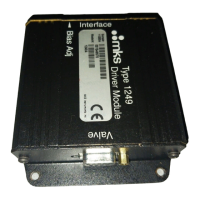
Type 1249 Solenoid Valve Driver
•
Type 1249 Solenoid Valve Driver Instruction Manual (this book)
Optional Equipment:
•
Electrical Connector Accessories Kit, 1249A-K1
(includes mating connectors for the Valve and Interface connectors)
•
Type 148 or 248 solenoid valve
•
Interface Cables (refer to Table 5, page 20)


 To Next Page