902B Abs Piezo Operation manual
Firmware upgrades (RS232 only)
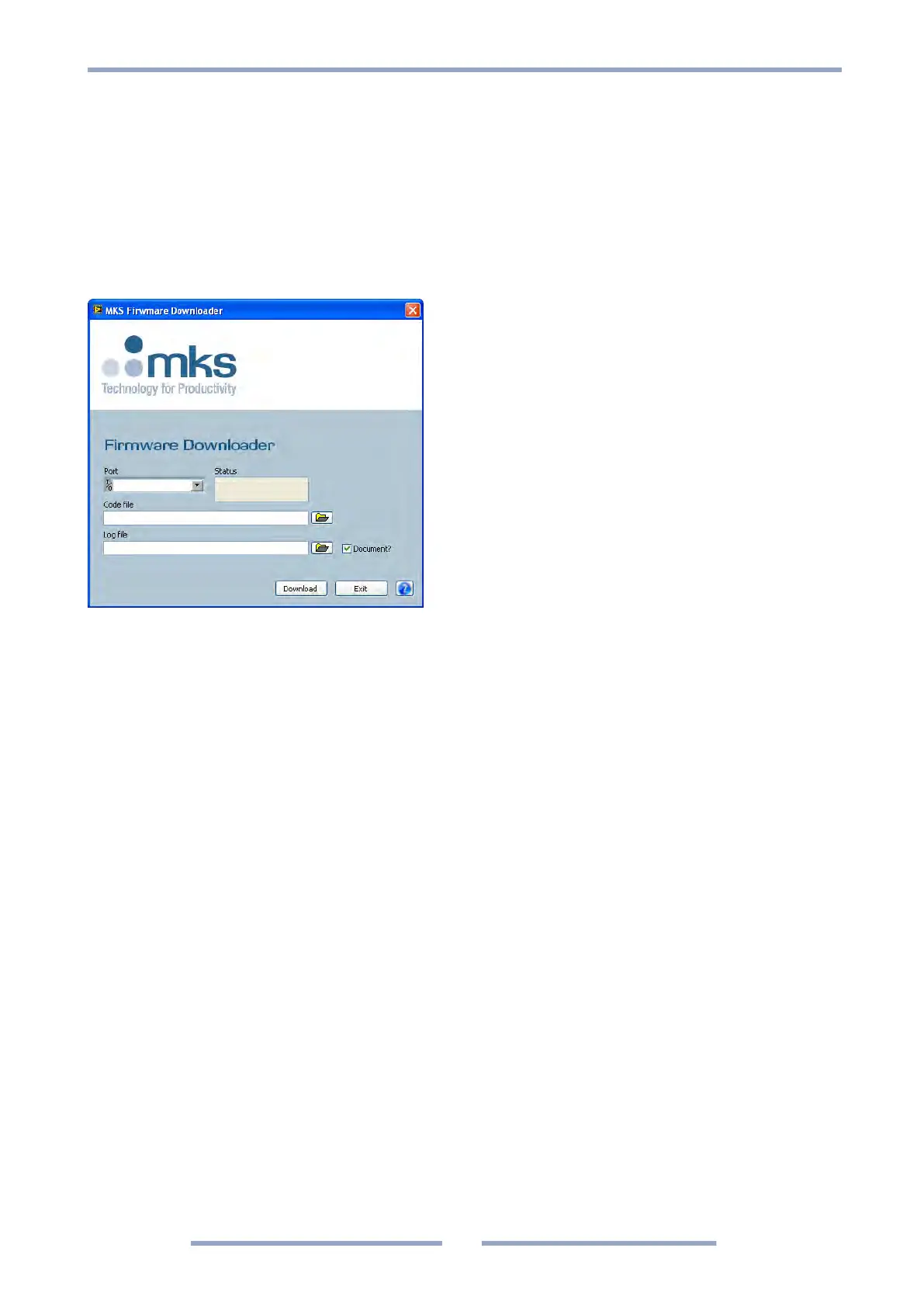
The 902B firmware can be upgraded by the user. The following procedure should be used:
1. Install the 900 Series firmware download software from the Documentation CD or download from
www.mksinst.com/vtsw/
2. Turn power off
3. Hold down the User switch while turning power on
4. Release the User switch
5. Run the 900 Series firmware download software and start download
Transducer with RS485 interface cannot be firmware upgraded by the user. Contact
MKS customer service for upgrade.




 To Next Page