19 | PSR1A/PSR4A POWER SUPPLY AND PRESSURE/FLOW READOUT
MKS P/N 20068380-001 Rev A
5.2 Home Screen
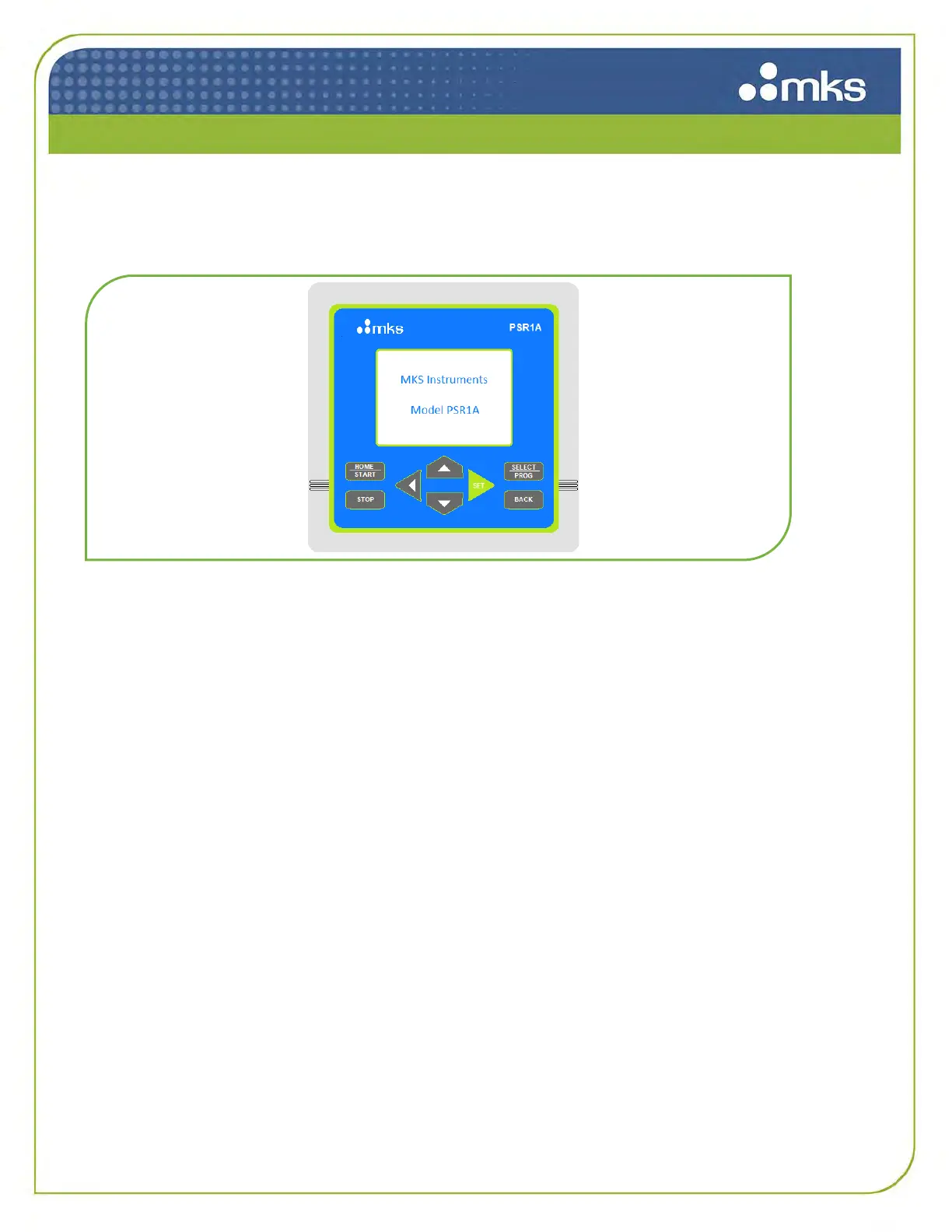
When the PSR1A/PSR4A is powered up, a home screen is displayed as shown below.
Figure 7: Home Screen
5.3 Startup Menu
After a short time, the screen will change to indicate the status of each channel as shown below in
Figure 8. “PV” refers to “Process Variable” and will display the current value of this process variable
along with the units of measure and time base (if applicable) for that PV. Process variables are
determined by the user and the type of device for that channel. They could be mass flow rates such as
scc/min, or pressure such as kPa.
”SP” refers to “Setpoint”, and if the attached device is a controller the setpoint is also a unit of measure
and time base similar to the PV. It is possible to set the PV and SP to different units of measure, but it
is strongly recommended that they are the same to avoid confusion. See choices for units of measure
in the next section, Configuration Menus.



 To Next Page