20 | PSR1A/PSR4A POWER SUPPLY AND PRESSURE/FLOW READOUT
MKS P/N 20068380-001 Rev A
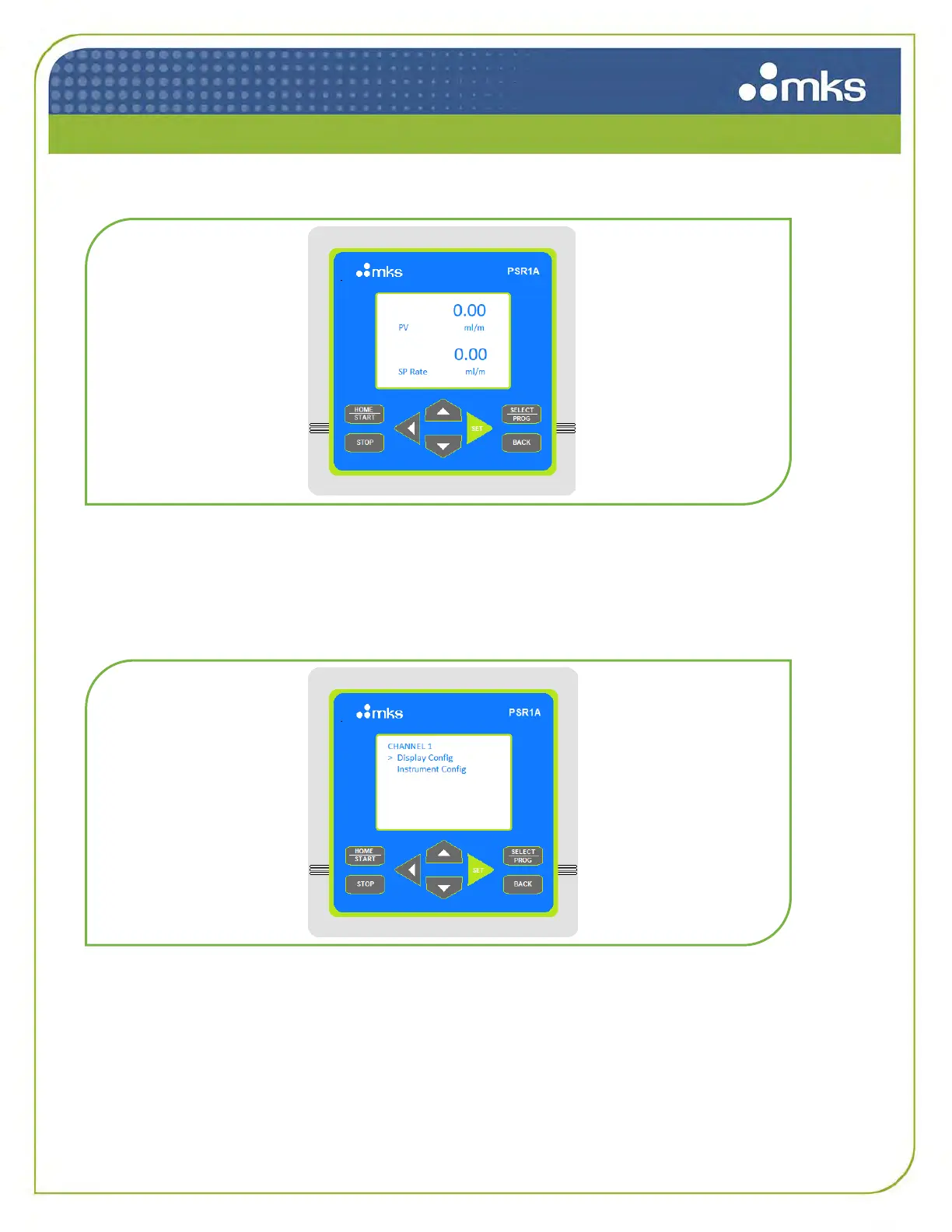
Figure 8: Startup Menu
5.4 Configuration Menus
The user can press the SELECT | PROG button or the SET button to get to the configuration screen,
shown below, and choose between Display Configuration and Instrument Configuration.
Figure 9: Configuration Menu
5.4.1 Display Configuration Menu
In Display Configuration option, you can choose which values are displayed on the home screen. An
asterisk signifies that PV or SP value is currently displayed. Toggle up or down and press SELECT |
PROG to change the values displayed on the home screen. Press HOME | START to return to the
home screen.



 To Next Page