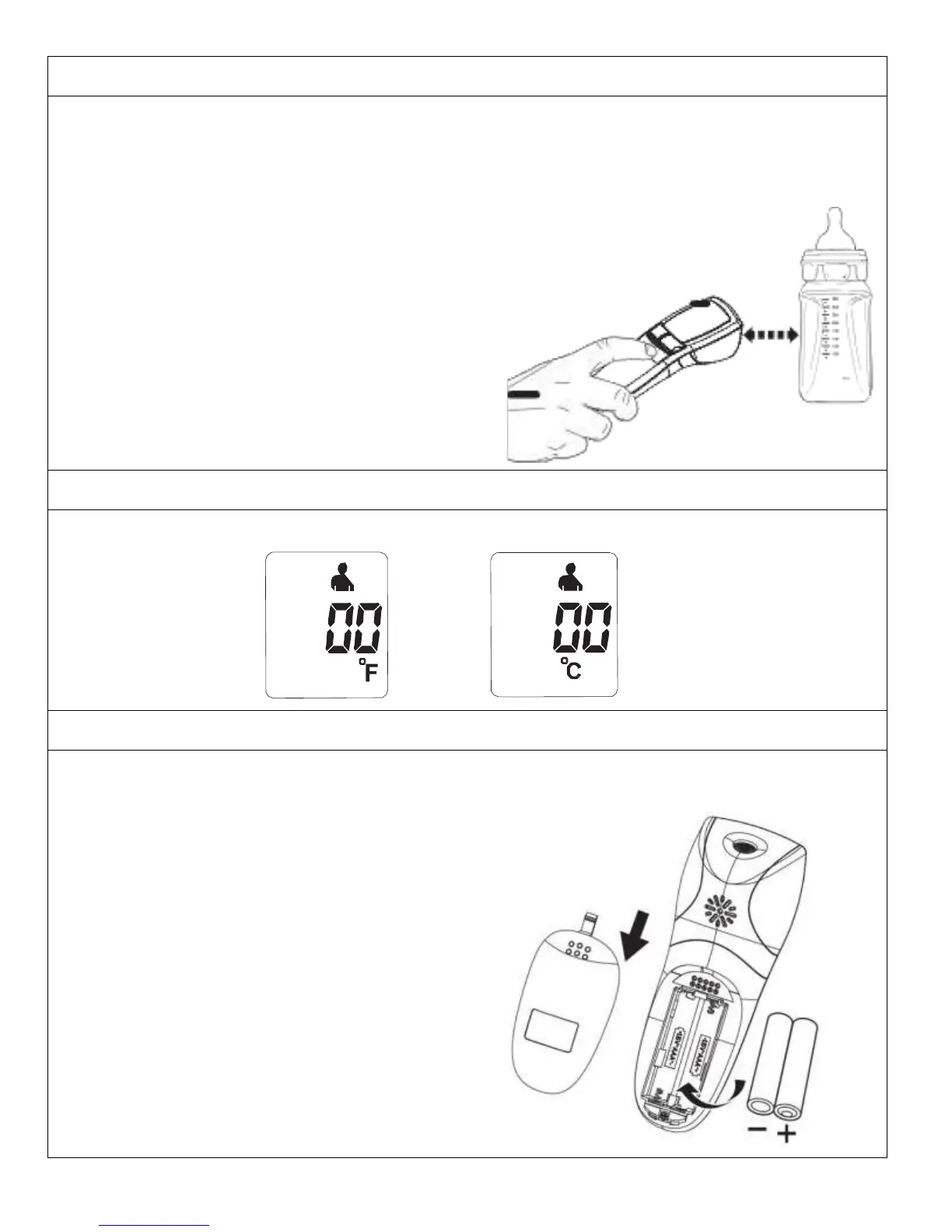
Object/Liquid Temperature
• Press the Power Button to Turn the Thermometer ON. The Unit will run a self-test and all symbols on the
display will momentarily appear.
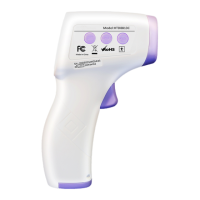
• Ensure that the thermometer is in the Object Mode; the Object symbol will be on the display. Press and
release MODE button to toggle between Different Modes.
• Press and hold the SCAN button aiming the measurement sensor at the Object, holding the thermometer
approximately 1-2 Inches away from the object surface.
• Release the “Scan and measure button” and the temperature reading will be displayed.
Switching Between Fahrenheit or Celsius
• To Switch between Celsius and Fahrenheit, Press and hold both Mode button and the Memory button for
approximately 1 second. This will change the mode to either
°
C or
°
F. The Unit will display
°
C or
°
F
Installing/Replacing Batteries
• Gently slide the battery cover back.
• Carefully remove the old batteries and properly discard.
• Insert new batteries (2 x 1.5V AAA) according to the proper polarity.
• Slide the battery cover back on.



 To Next Page