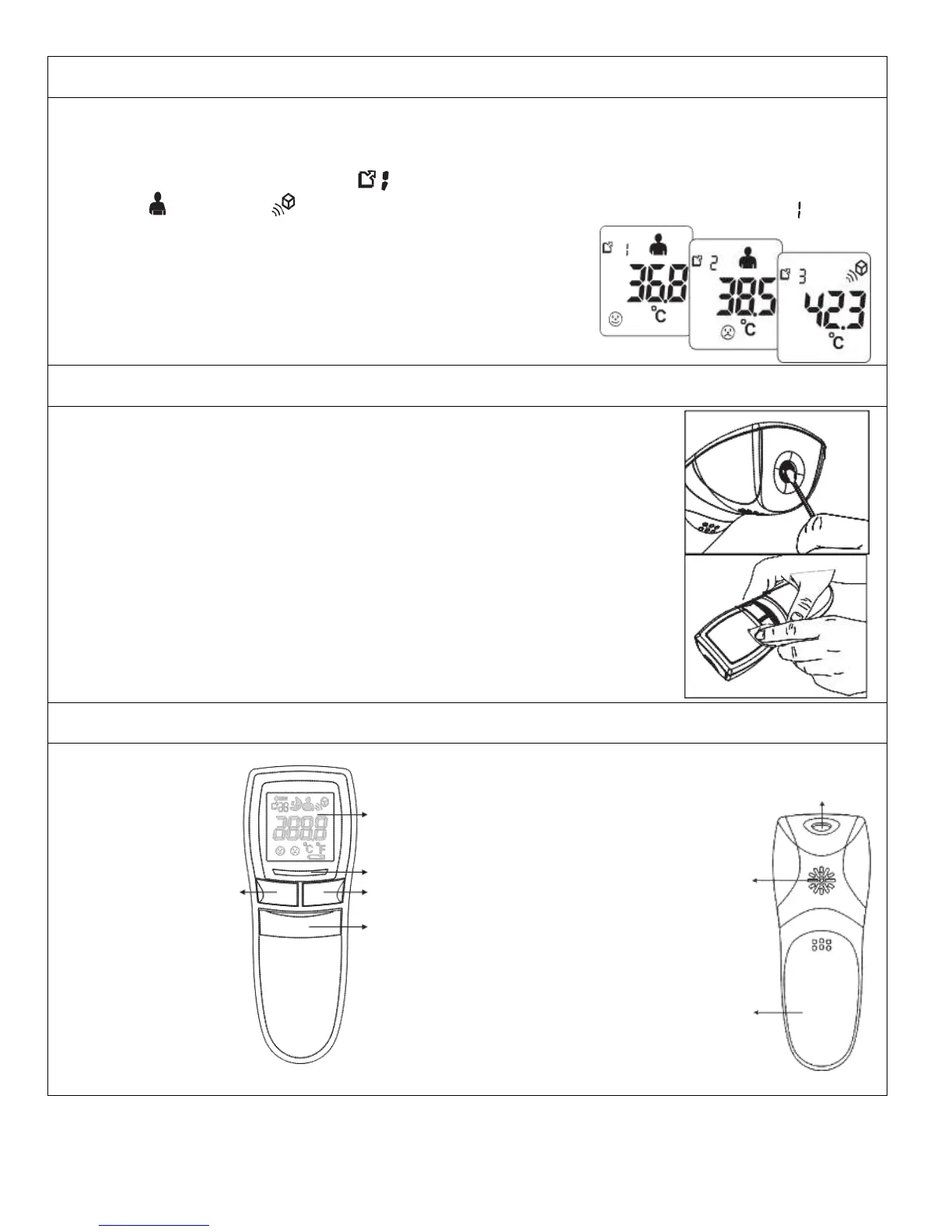
Memory Recall
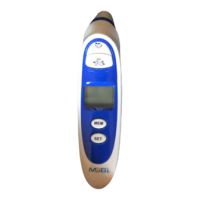
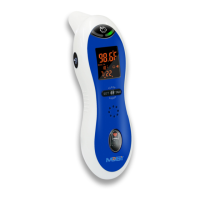
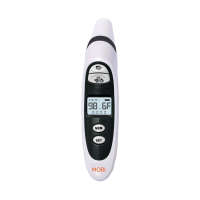
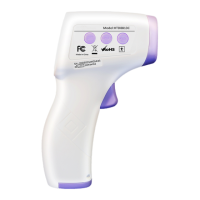
• You can recall up to 30 prior measurements stored in memory.
• When the device is ON, press once briefly on the MEM Button, then pass it again to show the last
measurement accompanied by symbol.
• The symbol and symbol will appear with each measurement stored in memory to indicate
whether a person or object temperature was taken.
• Each press of the same button recalls a previous measurement.
Memory Deletion
• Under power ON status, you may press and hold MEM Button
for more than 3 seconds to delete all the readings.
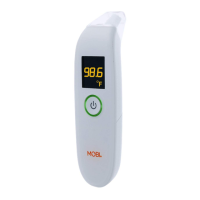
Lens / Measurement Sensor
• Gently clean with an alcohol swab. Do not use water to wash the
thermometer lens directly.
Thermometer
• Clean with a soft, dry cloth. Do not use water to rinse the device.



 To Next Page