EasyManua.ls Logo

Mobi Technologies DualScan - User Manual

Mobi Technologies DualScan
22 pages
Print Icon
To Next Page IconTo Next Page
Loading...
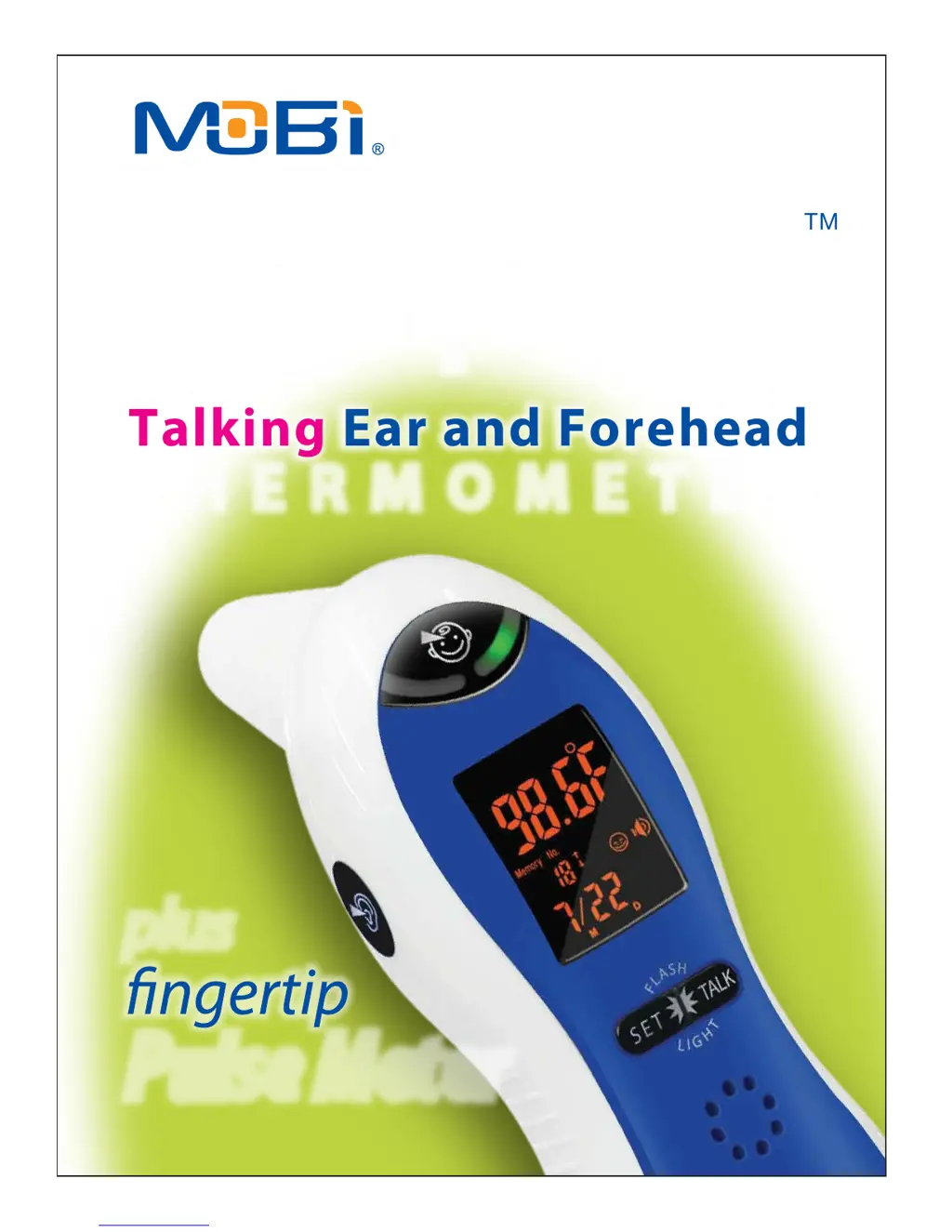
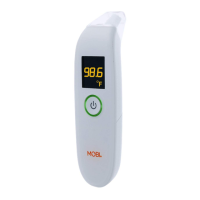
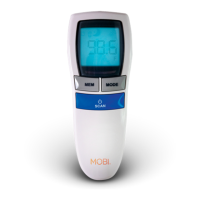
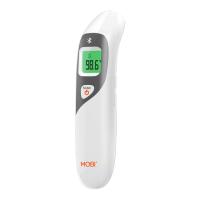
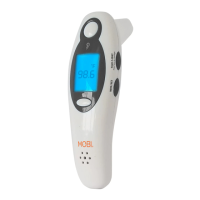
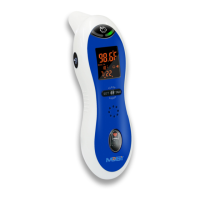
Talking Ear and Forehead
THE RMOM E TER
TM
DualScan
U L TRA
plus
Pulse Meter

Questions and Answers

  • K
    Kevin ThorntonJul 26, 2025
    What to do if Mobi Technologies DualScan shows “Errp” on screen?
    • R
      Robert GibbsJul 26, 2025
      If your Mobi Technologies Thermometer displays 'Errp', it could be due to a hardware problem (consult the manufacturer). Alternatively, the environment temperature might be outside the correct range. For ear measurements, ensure the thermometer is used in an environment between 10°C and 40°C (50.0°F and 104.0°F). For forehead measurements, the range should be 15°C to 40°C (59.0°F to 104.0°F). Place the thermometer within the appropriate environment.
  • P
    Paul MillsJul 31, 2025
    What to do if Mobi Technologies DualScan Thermometer shows battery symbol on LCD?
    • K
      Kaitlyn RomanJul 31, 2025
      If you see a battery symbol on the LCD of your Mobi Technologies Thermometer, it indicates a low battery. Replace it with a new one.
  • S
    Stacy SmithAug 3, 2025
    Why Mobi Technologies DualScan Thermometer is not responding when pulling out insulator?
    • K
      Kaitlin RiveraAug 3, 2025
      If your Mobi Technologies Thermometer doesn't respond or resets automatically when you remove the insulator, it could be due to a drained battery (change the batteries) or incorrect battery polarity (take out the battery and reinsert it correctly).
  • D
    Danny ManningAug 8, 2025
    What to do if Mobi Technologies Thermometer shows “Hi” on screen?
    • N
      Nicole MooreAug 8, 2025
      If your Mobi Technologies Thermometer displays 'Hi' on the screen, double-check the operation method. Refer to the user’s manual for proper measurement instructions.
  • K
    Kimberly NelsonAug 12, 2025
    What to do if Mobi Technologies Thermometer shows “Err5” on screen?
    • M
      Mary McdanielAug 12, 2025
      If your Mobi Technologies Thermometer shows 'Err5' on the screen, it indicates an operation error, specifically if more than 15 seconds have passed without a test result in heart rate measurement mode. Please carefully follow the instructions in the user manual.
  • R
    rosskimberlyAug 16, 2025
    What to do if Mobi Technologies DualScan shows “Lo” on screen?
    • K
      Kayla MartinezAug 16, 2025
      If your Mobi Technologies Thermometer displays 'Lo' on the screen, ensure that the thermometer is correctly angled for the eardrum or forehead. Refer to the user’s manual for guidance on proper angling.
  • W
    williamsdavidAug 20, 2025
    What to do if Mobi Technologies Thermometer shows “Er25” on screen?
    • B
      brownwilliamAug 20, 2025
      If your Mobi Technologies Thermometer displays 'Er25' on the screen, it indicates a thermometer temperature measurement circuit failure. Consult the manufacturer.

Summary

Safety Precautions and Symbols

Warning Marks

Warning marks indicate a possibility of personal injury in case of improper use.

Notice Marks

Notice indicates a possibility of personal injury or property damage in case of improper use.

Prohibited Symbols

Means forbidden with regard to detailed items expressed in words or figures within or beside the mark.

Observe Carefully Symbols

Means obligatory regarding detailed items expressed in words or figures within or beside the mark.

Type B Device Symbol

Indicates that the device is a Type-B applied part.

Intended Usage

Important Warnings

Infrared Sensor Care

Avoid touching or blowing the infrared sensor to prevent inaccuracy.

Child Safety

Keep the unit out of children's reach to prevent ear damage or accidental swallowing of batteries.

Battery Disposal

Do not throw batteries into fire; dispose of them in an environmentally safe manner.

Usage Recommendations

Interface Layout Overview

LCD Display Explanation

Primary Functions

Pulse and Heart Rate Measurement

Details how to use the Heart Rate Button/Sensor to measure pulse rate.

Measurement Preparation

How to Take Temperature Readings

Ear Temperature Measurement

Instructions on how to correctly measure temperature using the ear probe.

Forehead Temperature Measurement

Instructions on how to correctly measure temperature using the forehead probe.

Measurement Results Display

Advanced Operation Features

Clock Mode and Talking Feature

Details how to use clock mode and activate/deactivate the voice readout feature.

Memory Reading Retrieval

Settings Adjustment

Sleep Mode and Scale Settings

LED Mini Flashlight

Additional Recommendations

Battery Replacement

Maintenance, Storage, and Calibration

Care and Cleaning Procedures

Unit Specifications

Explanation of Symbols

Guidance on Electromagnetic Emissions

Electromagnetic Immunity Guidance

RF Emissions and Separation Distances

Recommended RF Separation Distances

Declaration of Conformity

Troubleshooting Guide

Limited Warranty Information

Mobi Technologies DualScan Specifications

General IconGeneral
BrandMobi Technologies
ModelDualScan
CategoryThermometer
LanguageEnglish

Related product manuals