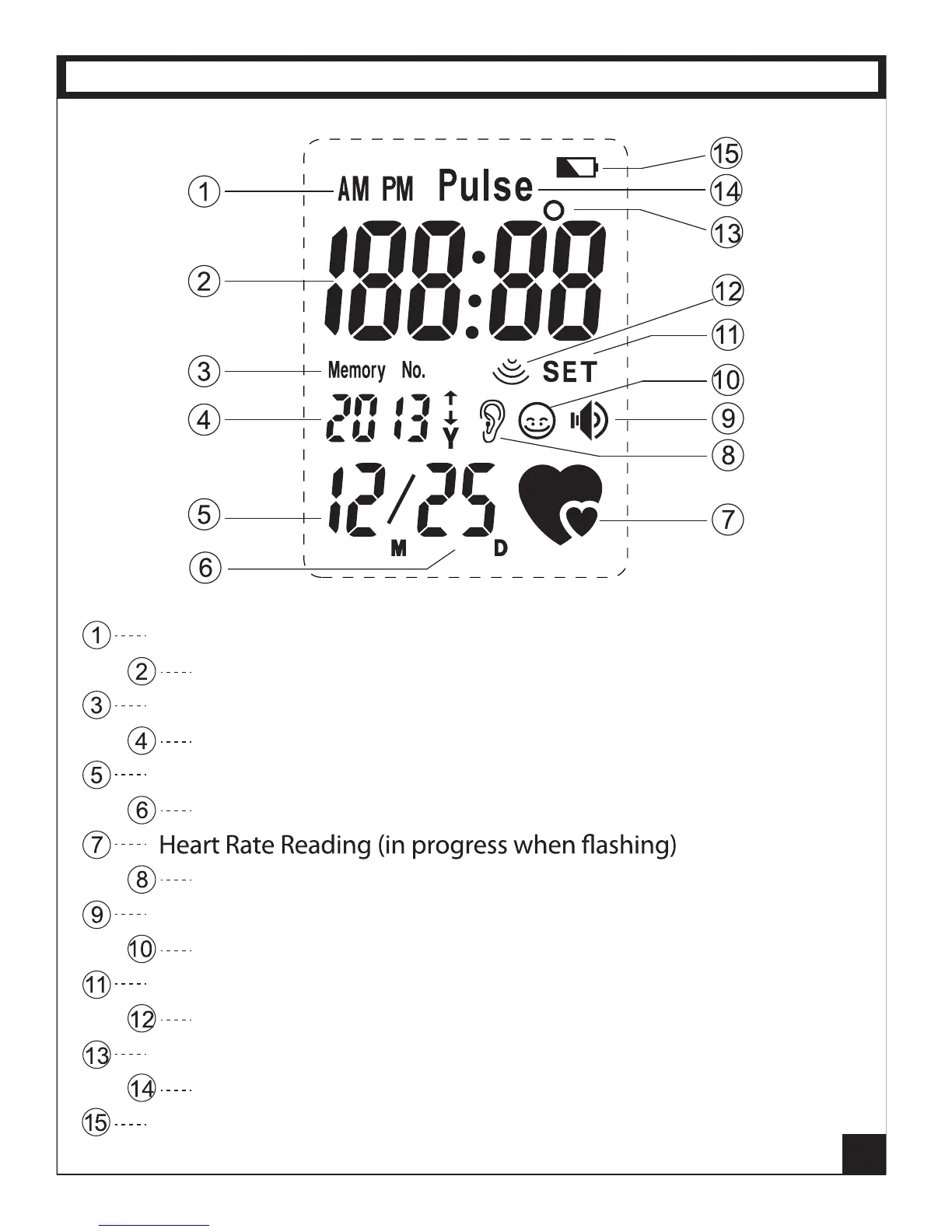
Indicates AM or PM when time of day is displayed below it
Numerical Readings for Temperature / Time / Pulse
Memory Number heading (Memory Numbers displayed below)
Calendar Year / Number of the previous reading in Memory
Calendar Month
Calendar Day
Indicates Ear Temperature Button was used
Indicates Audio Talking Mode in use
Indicates Forehead Temperature Button was used
Indicates Settings Button in use
Human Temperature measurement indicator
Temperature Degree Scale (
º
F or
º
C)
Indicates Heart Rate Button pressed, ready to read Pulse
Battery Level indicator
5
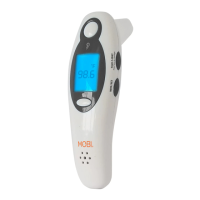
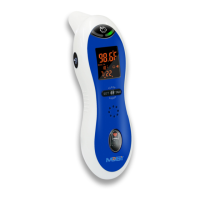
LCD DISPLAY



 To Next Page