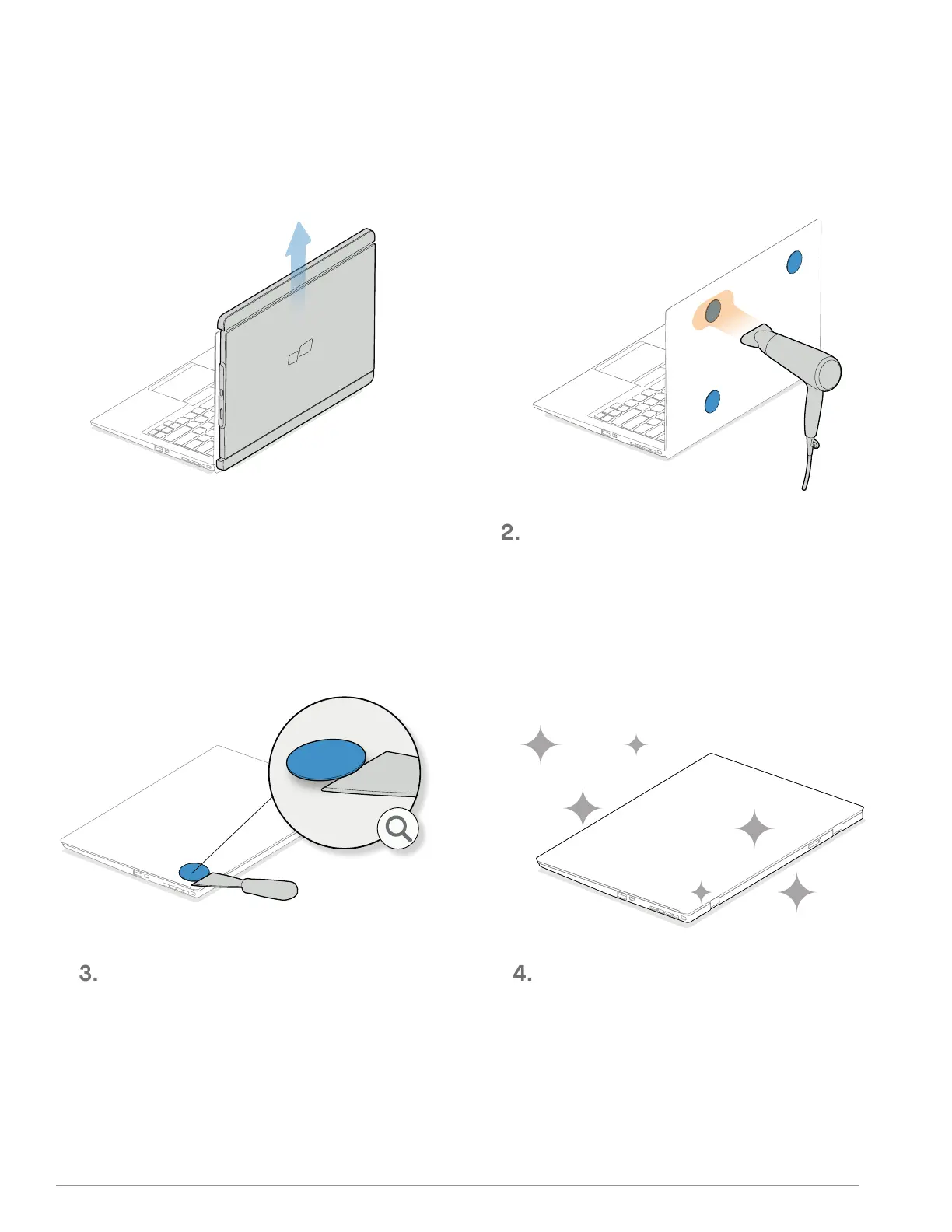
Now the surface is fresh and ready for a
new set of plates.
Once the adhesive is warmed up, it is ready
to be removed. A plastic scraper (not
included) is recommended to remove the
adhesive.
Take TRIO/ TRIO MAX off from the back of
the laptop.
1.
Get a hair dryer and set it to medium heat
level (do not use high heat setting as it may
over heat your own laptop).
Gentlely apply the warm air across the metal
plates to soften the adhesive material
(don't continuously focus on a single area).
. REMOVING METAL PLATES
17



 To Next Page