MobileView 7000 Series User Manual 25
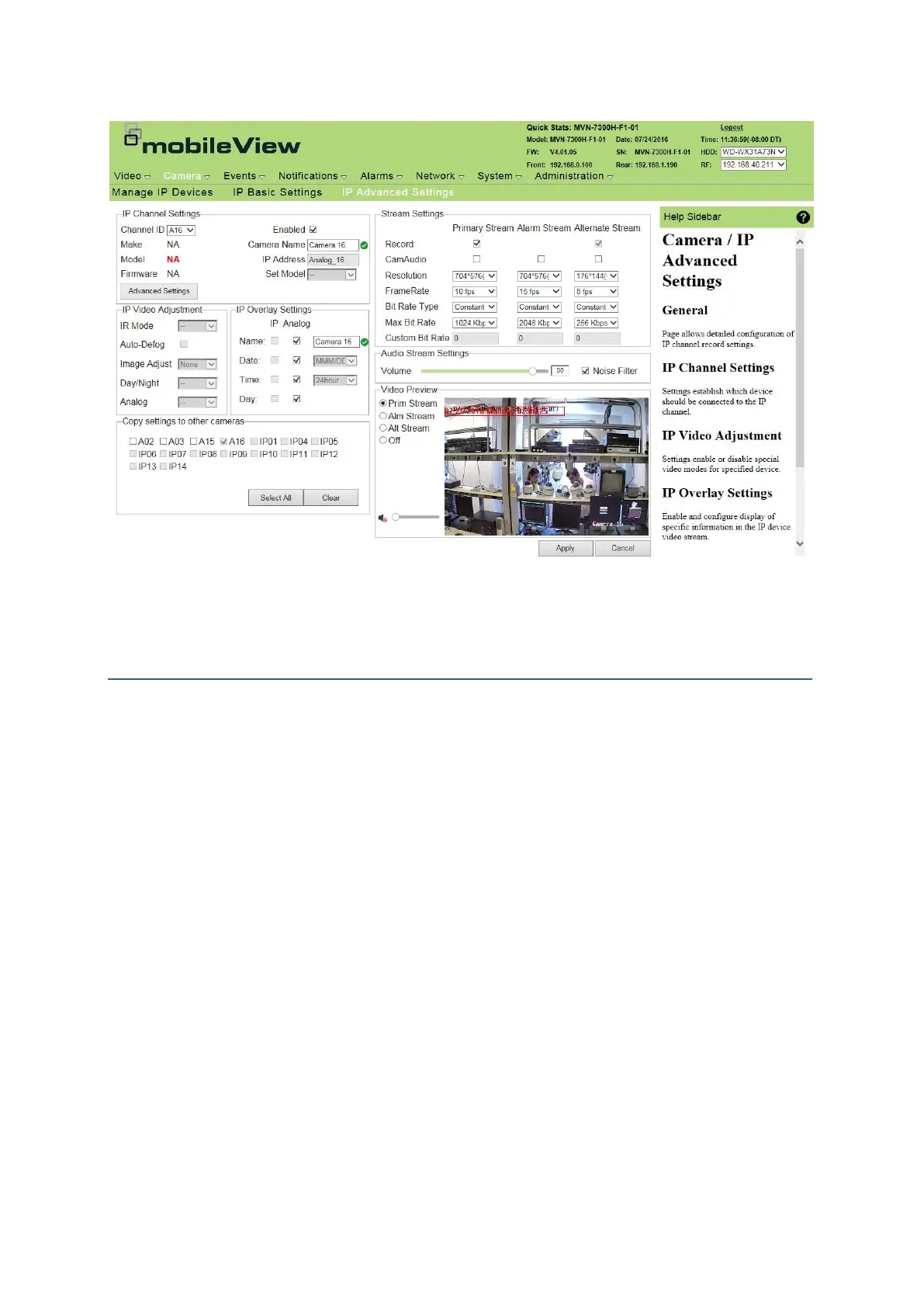
IP Advanced Settings
Events pages
Events allow monitored input to trigger programmed responses. Responses include recording at
higher resolution, frame-rate, activating outputs including alarm buzzers or warning lamps.
Display Event Summary
Events summary displays information for currently programmed events. The event settings cannot be
changed. New events are added with default parameters selected.
1. Click Events.
2. Click Event Summary.
Configuring an event is performed using Configure Event.



 To Next Page