MobileView 7000 Series User Manual 48
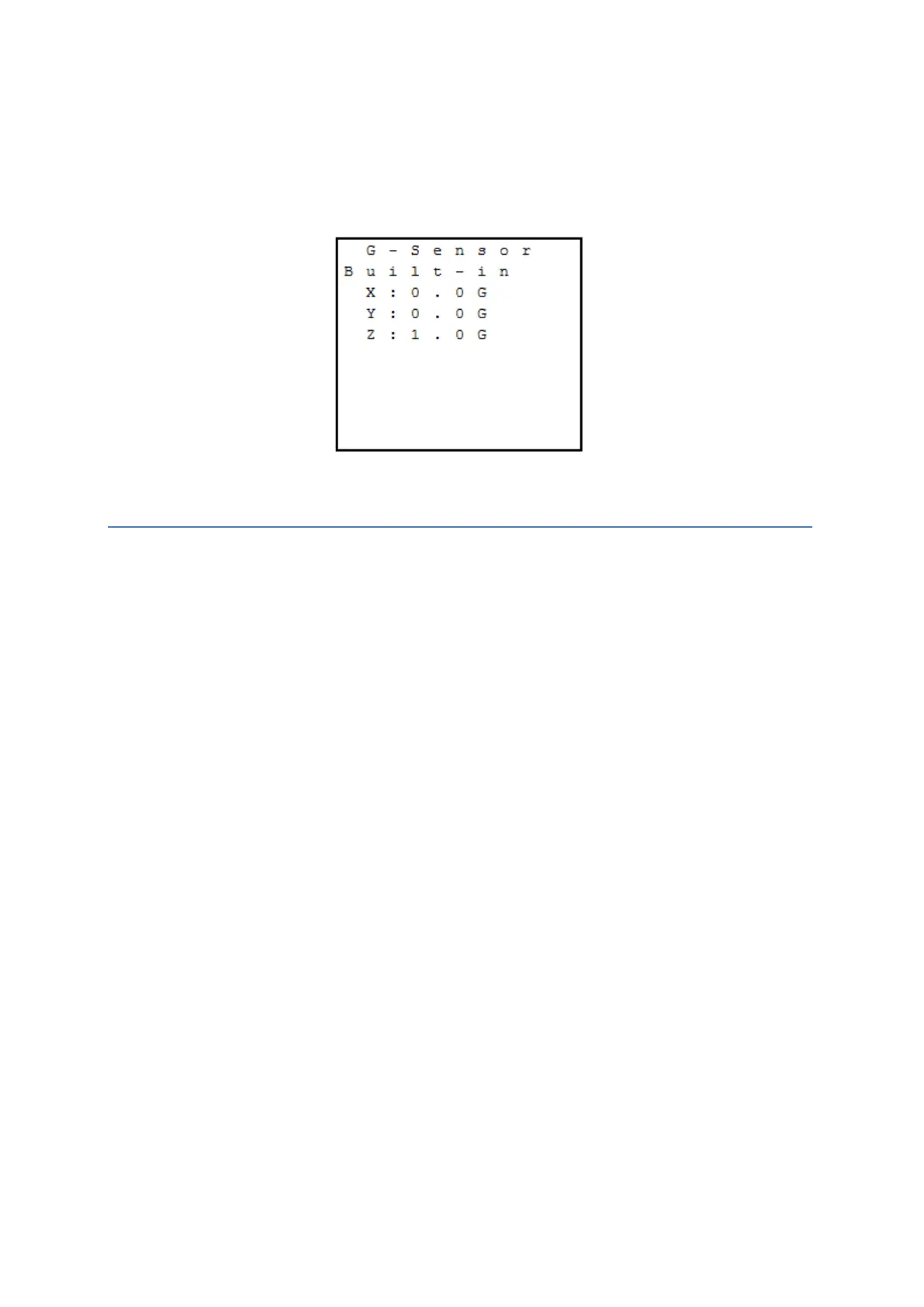
Z: This is defined as top to bottom on the device (+1G is normal)
Opening the G Sensor Menu
1. After opening the Status menu, select G Sensor to open the G sensor status.
2. The status displays, automatically updates, and cannot be changed.
G Sensor Menu
Alarm Menu
The alarm status menu dynamically displays the current state of digital and analog inputs monitored
by the device.
Digital: Monitored input is physically inactive/OFF (L) or active/ON (H)
Analog: Current voltage level of monitored input (range = 0VDC – 30VDC)
CAUTION: Digital and analog inputs use a voltage range input. Each has expected operational
values and maximum allowed values as shown.
Digital Input
o Inactive/OFF State: 0VDC – 5VDC
o No State Guarantee: 5VDC – 6VDC
o Active/ON State: 6VDC – 36VDC
o Max allowed voltage = 40VDC
Analog Input
o Voltage Range: 0VDC – 36VDC
o Max allowed voltage = 40VDC
Opening the Alarm Menu
1. After opening the Status menu, select Alarm to open the alarm status.
2. Alarm status displays and cannot be changed. The status automatically updates.



 To Next Page