MobileView 7000 Series User Manual 36
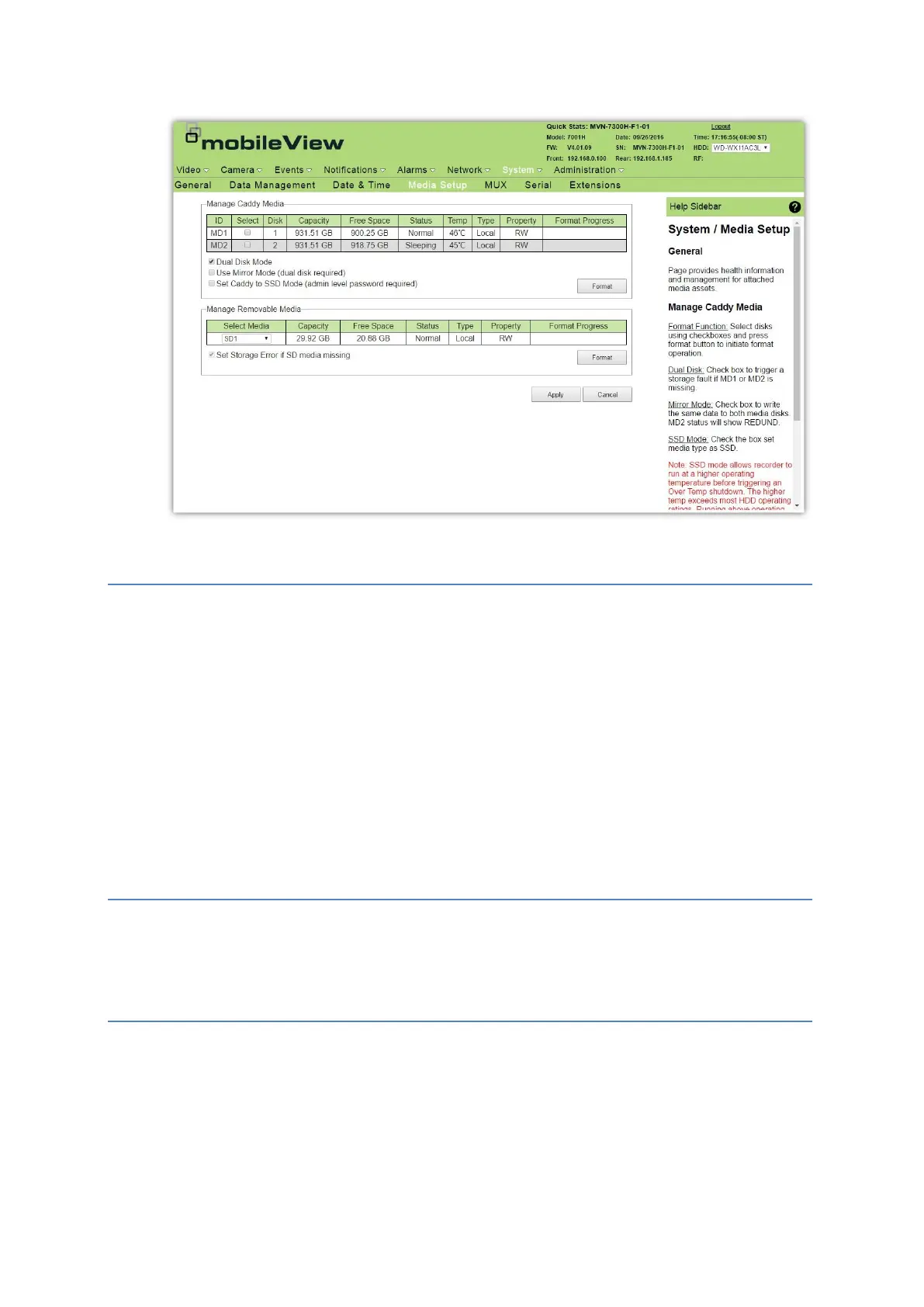
Media Setup
MUX
The MUX option provides configuration and management of the multiplexed video output. The MUX
output is used to display available IP video channels. Setting the MUX determines what is normally
displayed on the output. These settings can be temporarily overridden by events.
When setting the tile assignments, only one IP channel can be assigned per available video tile and
tile assignments are individually configured for each tile layout.
1. Click System.
2. Click MUX.
3. In the MUX Setup section, define the video layout for the system and the amount of pause time
when switching cameras.
4. Assign a channel for each tile.
5. Click Apply.
Audio Setup
The Audio Setup option provides access to IP audio output configurations. The settings that display
can be adjusted and saved, but only apply if the associated IP device (camera) is present, enabled, and
supports the audio function.
Serial Ports
The Serial option provides configuration for available serial ports on the recorder. Serial ports are
used to connect additional peripheral devices. Currently the only supported serial device is the J1939
converter. The converter attaches to serial port COM2 using default settings.
CAUTION: Console mode is a special mode is used by MobileView support personnel to
perform advanced diagnostic functions and should not be enabled during normal system
operation. When enabled, the system may function erratically.



 To Next Page