MEDIA OPERATION
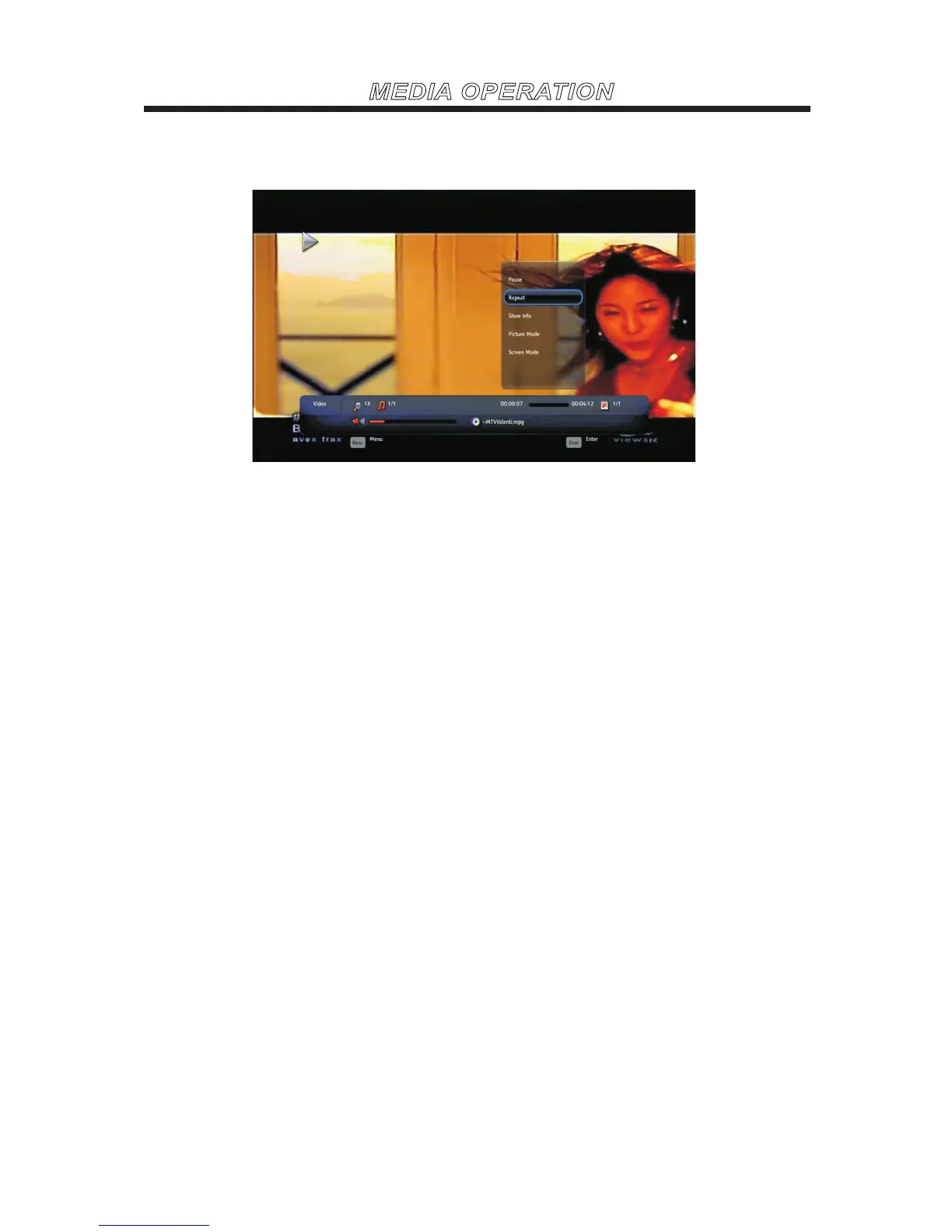
Video
Press MENU to display the menu.
Pause
Press ENTER to pause or play the video.
Repeat
None/Repeat One/Repeat AllPress ENTER to select the repeat mode.
Shuffle On/Off
Press ENTER to play orderly or disorderly.
Show info
Press ENTER to display the information about the current video.
Picture mode
Press ENTER to select the picture mode.
Screen mode
Press ENTER to select the screen mode.



 To Next Page