MEDIA OPERATION
Text
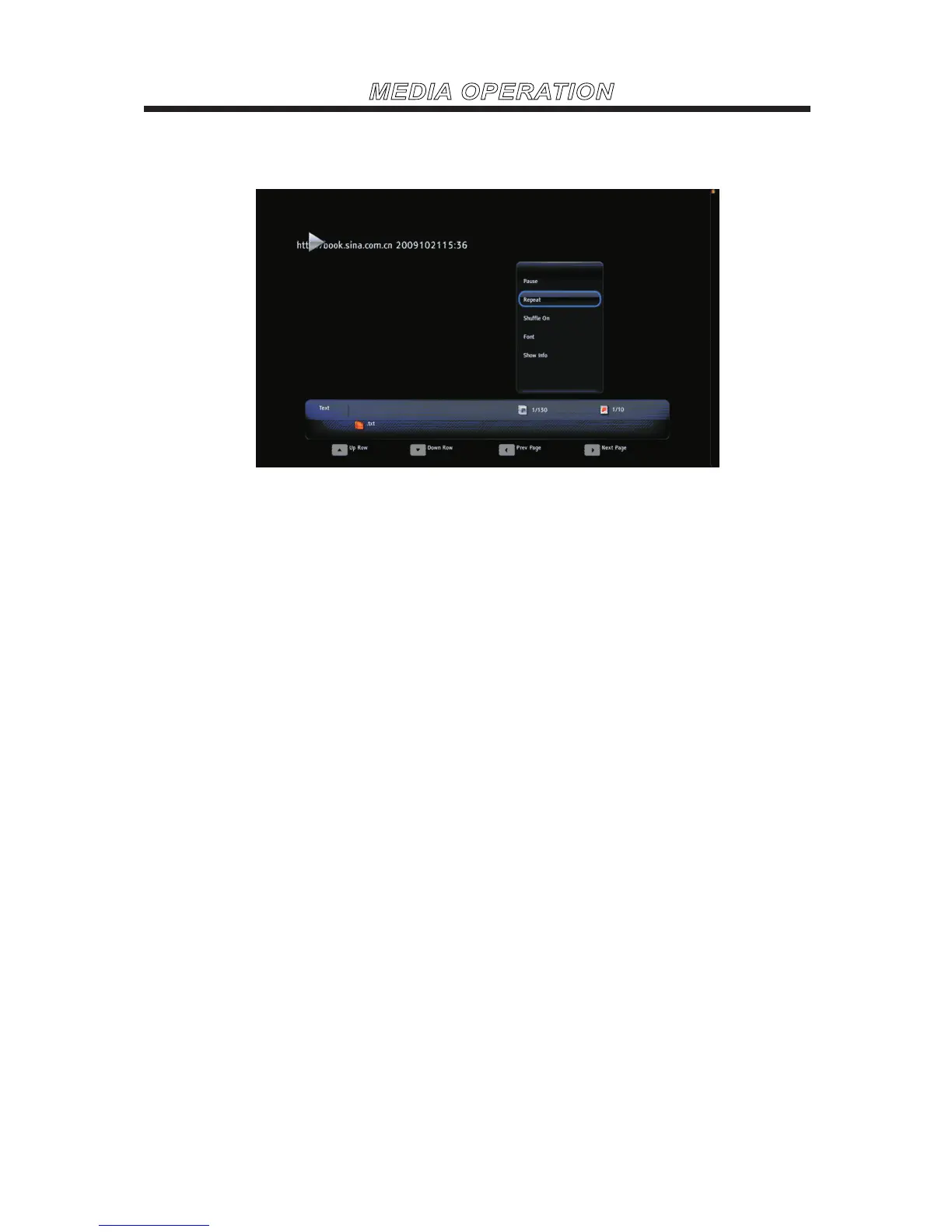
Press MENU to display the menu.
Pause
Press ENTER to pause or play the text automatically.
Repeat
None/Repeat One/Repeat AllPress ENTER to select the repeat mode.
Shuffle On/Off
Press ENTER to play orderly or disorderly.
Font
Press ENTER to enter the submenu to set the Size/Style/Color.
Show info
Press ENTER to display the information about the current video.
▼ / ▲ Press to view the text row by row.
◄ / ► Press to view the previous or the next page.



 To Next Page